Uploads: worked hours, balances and census
Bring in UKG and EcoTime worked hours and balances, enter census, and import the team and schedule, with a daily upkeep list and a pay-period checklist.
- Published
- Updated
- Screenshots
Today's upkeep
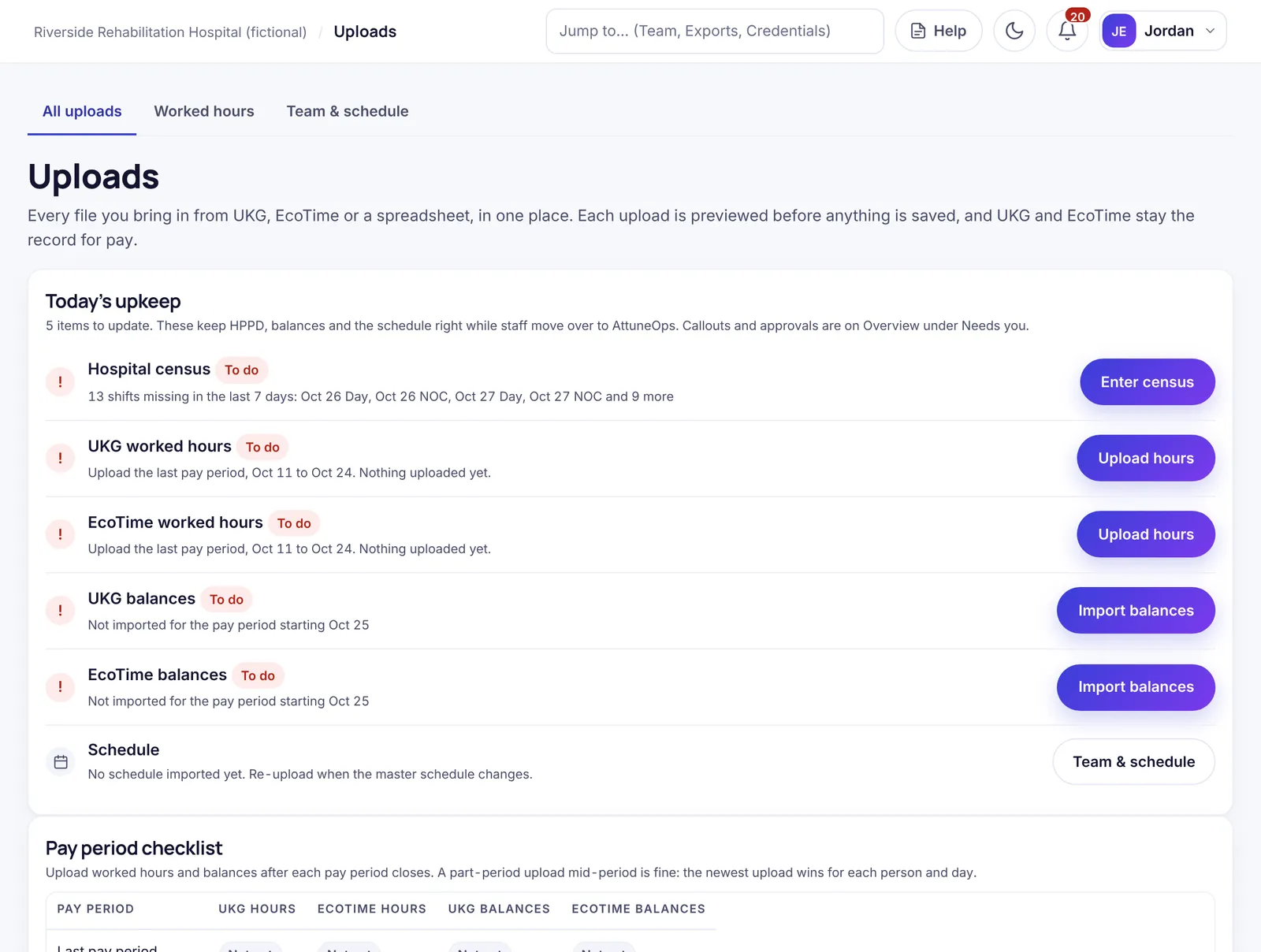
A daily to-do while staff move over to AttuneOps: census missing for recent shifts, UKG and EcoTime worked hours, UKG and EcoTime balances, and whether the schedule needs re-importing. Each line has its button. The Pay period checklist below shows, for each pay period, which uploads are in.
Upload worked hours
Export the worked-hours report
From UKG (Daily Rec Timecard, one file per day) for non-RN staff, and from EcoTime for UC Davis RNs for a whole pay period.
Upload hours
Choose UKG or EcoTime and the file (CSV or .xlsx, up to 2 MB each). The preview matches people and pay codes before anything is saved.
Several days at once
Catching up? Choose or drop up to 31 daily files together. They are listed oldest first with a status each. Review any file with people to match: the match is remembered, so the files after it usually match on their own. Save saves every ready file, each as its own upload, then shows one summary of the days, hours and people saved.
Check and save
Only person, date, pay-code category and minutes are kept. Rates and pay amounts in the file are never read.
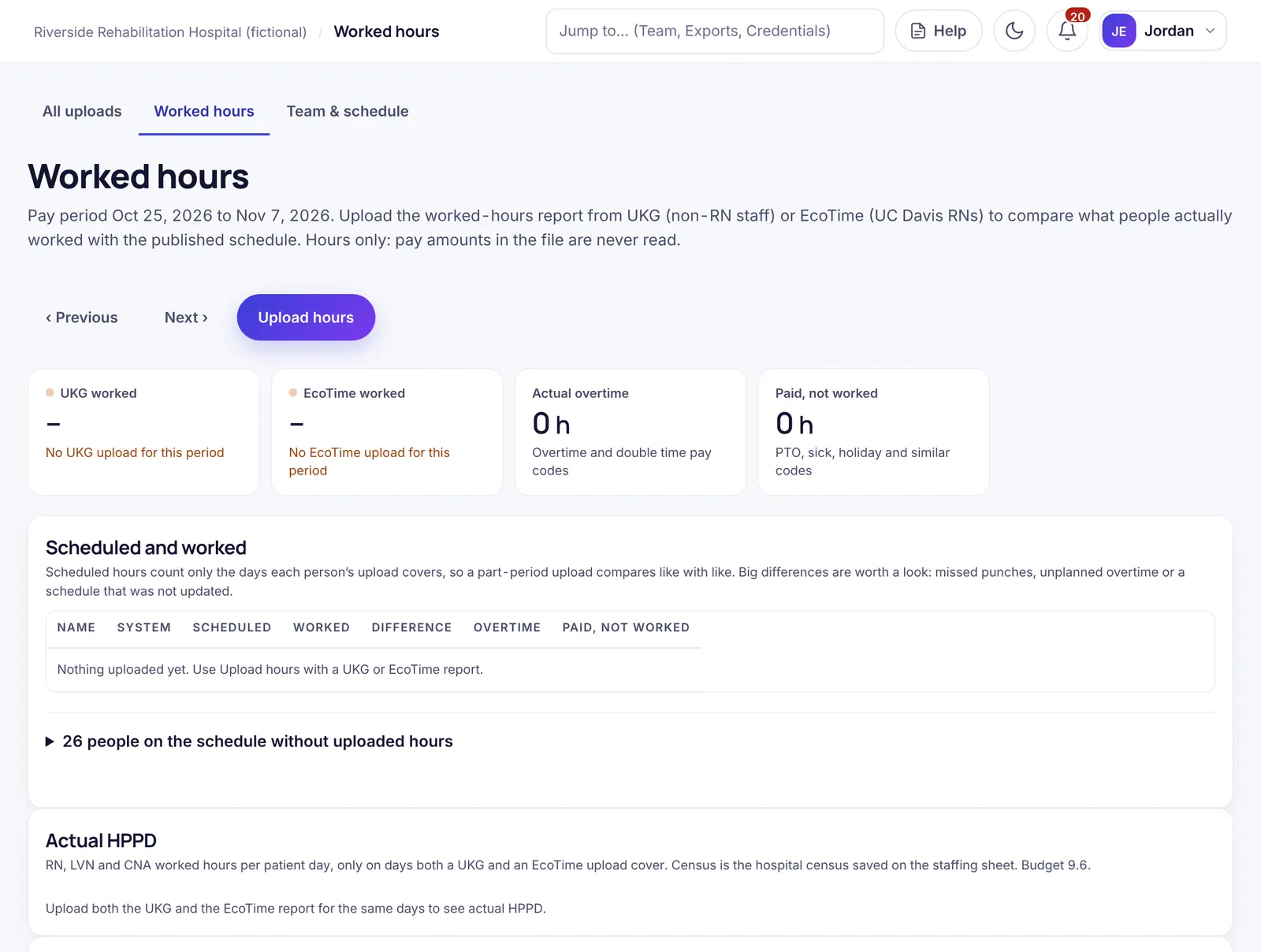
Worked hours drive Actual HPPD, real overtime, time-off accruals and the agency bill check. Upload UKG and EcoTime for the same dates so Worked HPPD is complete.
This is a file upload, not a live connection. UKG and EcoTime stay the record for time, meals and pay.
Balances, census, team and schedule
- Import balances: see Time-off balances.
- Enter census: per shift; see Census and ratio.
- Team & schedule: import the roster or the schedule workbook. Every import shows a preview and a receipt, and can be undone.
Related
Screenshots come from a fictional demo hospital, so names and numbers will differ from yours. Something here out of date or unclear? Email support@attuneops.net.