Leave of absence cases
Track FMLA, CFRA, PDL and other leaves so the schedule blocks the dates and attendance excuses the callouts.
For managers
- Published
- Updated
- Screenshots
Open a case
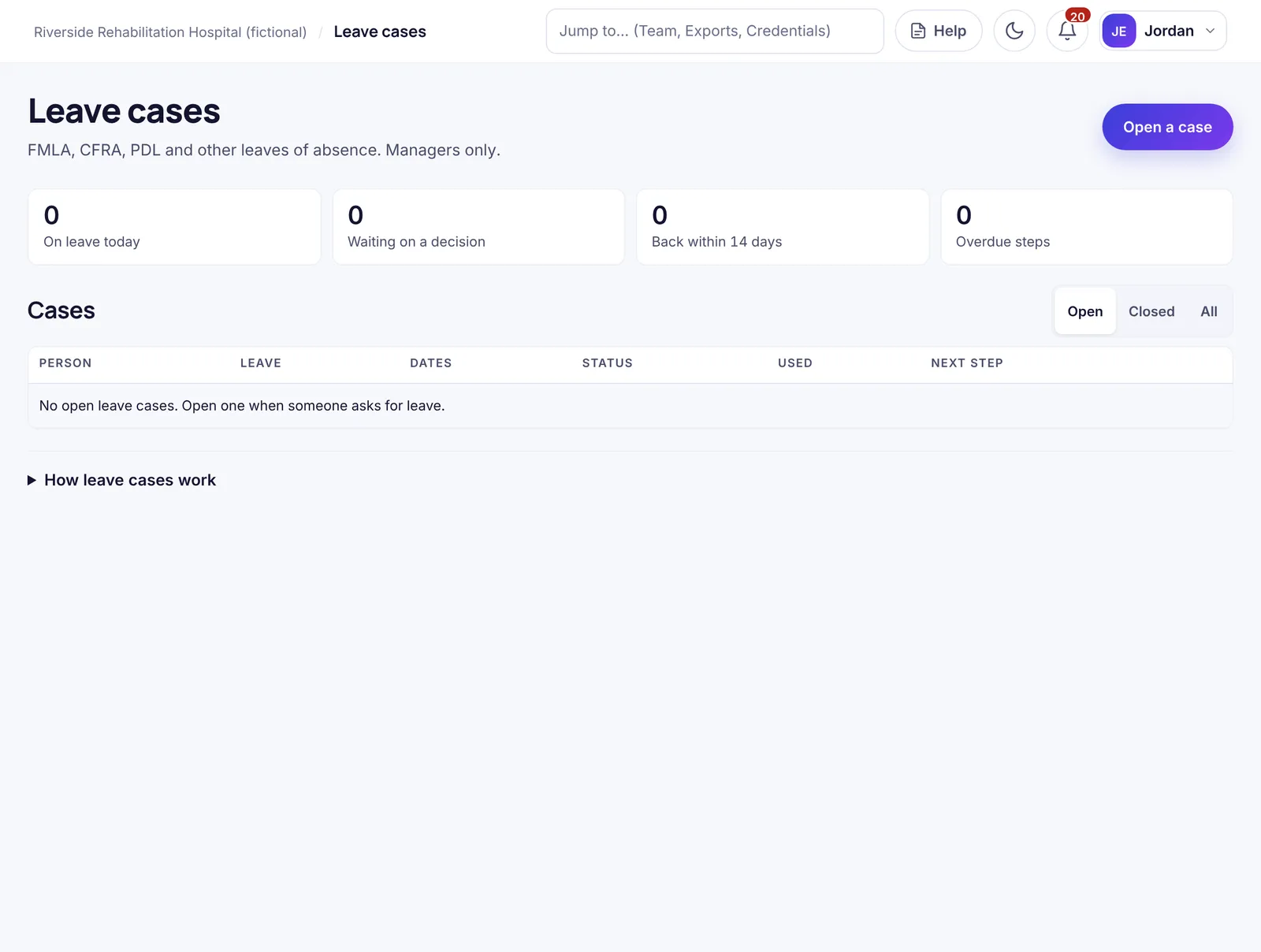
Open a case
Person, type (FMLA and CFRA, FMLA only, CFRA only, PDL, workers' comp, military, accommodation, personal), continuous or intermittent, dates, paperwork status and a note.
Track it
Counts at the top: on leave today, waiting on a decision, back within 14 days, overdue steps.
Close it at return
The return date frees the schedule again.
What it changes
- The schedule blocks the person on leave dates, and pickups are refused.
- Callouts during an intermittent leave are excused in attendance.
- Charge nurses and the staffing office see only *on a leave of absence, returns …*, never the leave type.
- Staff see their callouts as excused, never the case.
Good to know
UKG and EcoTime stay the record for leave pay and hours. HR or People Services decides eligibility.
Related
Attendance and callout patternsHow callouts become points under the attendance policy, how sick time covers a callout, and how staff and managers see the record.Roles and access levelsWhy a job role and an access level are different, and what Staff, Charge, Unit clerk, managers, Chief of Nursing Operations and Admin can each do.
Screenshots come from a fictional demo hospital, so names and numbers will differ from yours. Something here out of date or unclear? Email support@attuneops.net.