My pay and hours
A private paycheck estimate from your published shifts, a what-if for picking up a shift, and your hours against your commitment.
- Published
- Updated
- Screenshots
Estimate your paycheck
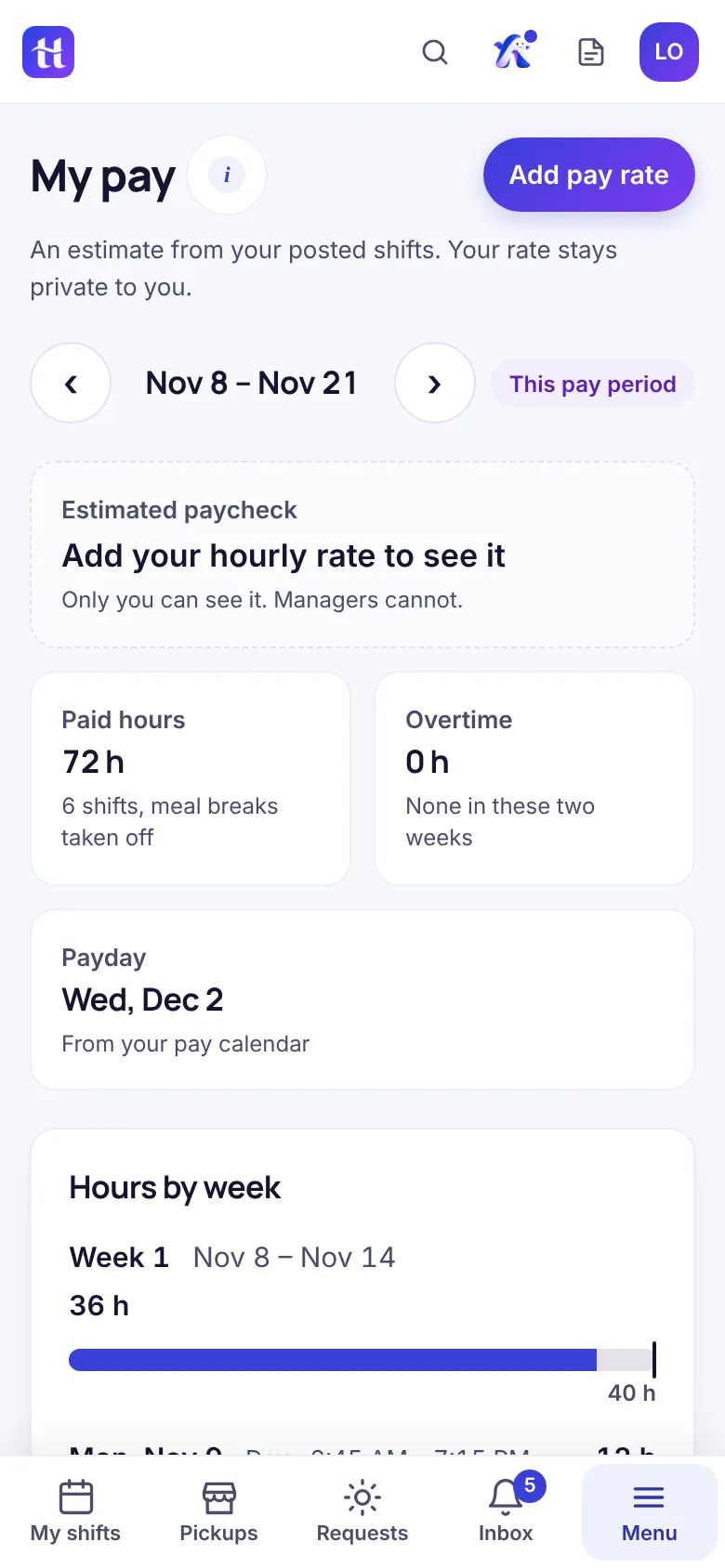
Open My infoMy pay (menu path)
Without a rate you see paid hours, overtime hours and the shifts counted for this pay period.
Add pay rate
Your base rate, and differentials if you have them. The overtime rule is suggested from your usual shift.
Read the estimate
Estimated gross, an earnings table like a pay stub, gross by workweek and, with a withholding percent, a rough take-home.
- What if I picked up a shift? adds a shift to the estimate.
- Hide amounts masks every dollar on this device.
- Remove my pay rate deletes it.
Your rate is private: managers, admins and the Chief of Nursing Operations cannot see it. The estimate is not your paycheck; UKG and EcoTime pay you.
Workload and hours
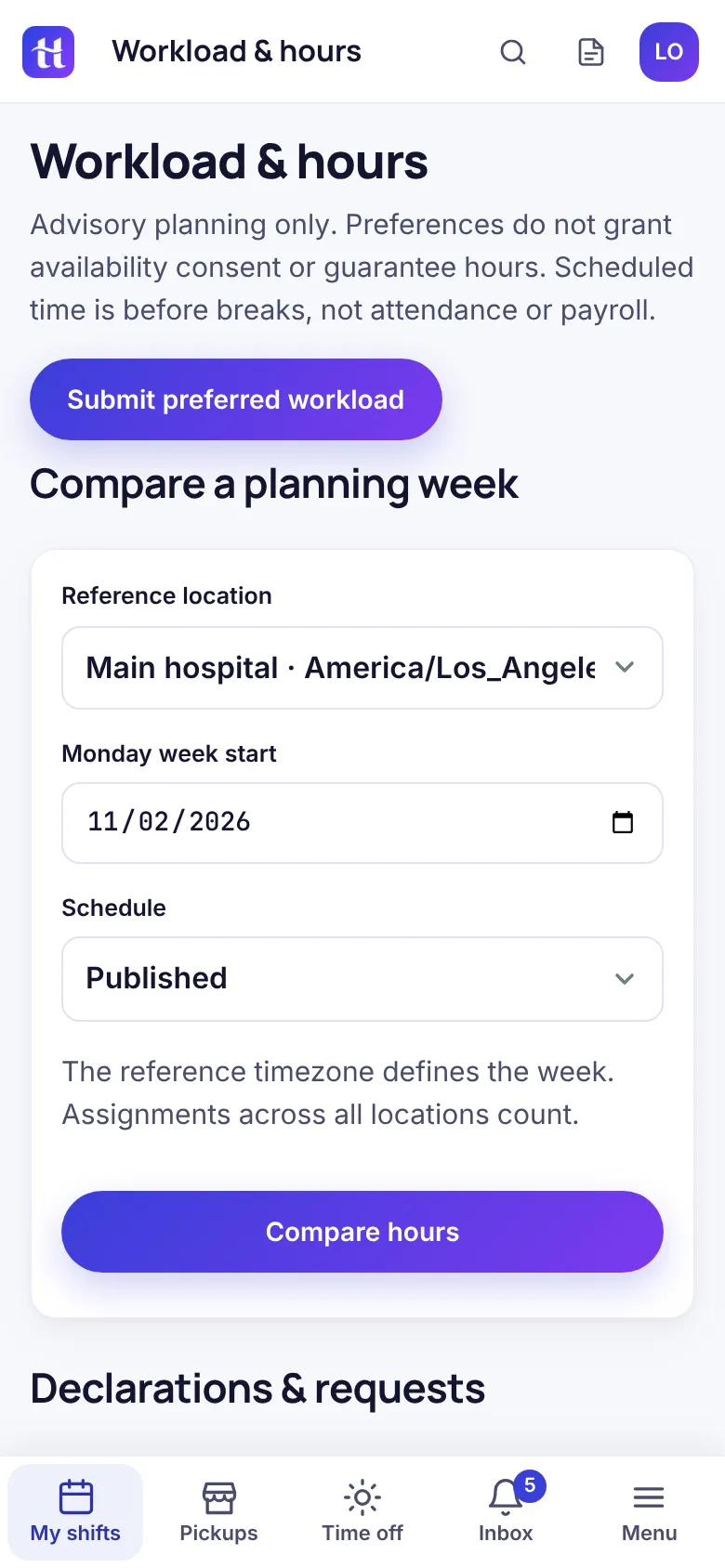
My infoWorkload & hours (menu path) shows this week's scheduled hours with your shifts listed, against your preferred hours. Use the arrows to move between weeks. Staff tap Set preferred hours and their manager approves it; managers Set hours target and pick a team member to see their week.
Related
Screenshots come from a fictional demo hospital, so names and numbers will differ from yours. Something here out of date or unclear? Email support@attuneops.net.