Trades, swaps and drops
Give a shift away, trade one for another, or swap with a coworker. Nothing changes on the schedule until a manager approves.
For staffFor managers
- Published
- Updated
- Screenshots
Which one to use
| You want to | Use | What happens |
|---|---|---|
| Get rid of a shift | Trade board → Give away | Coworkers see the shift (never your name). One or more take it; the approver picks one. |
| Swap for another shift | Trade board → Trade | Coworkers with your job role offer one of their shifts. You accept or decline; the approver approves; both shifts change hands together. |
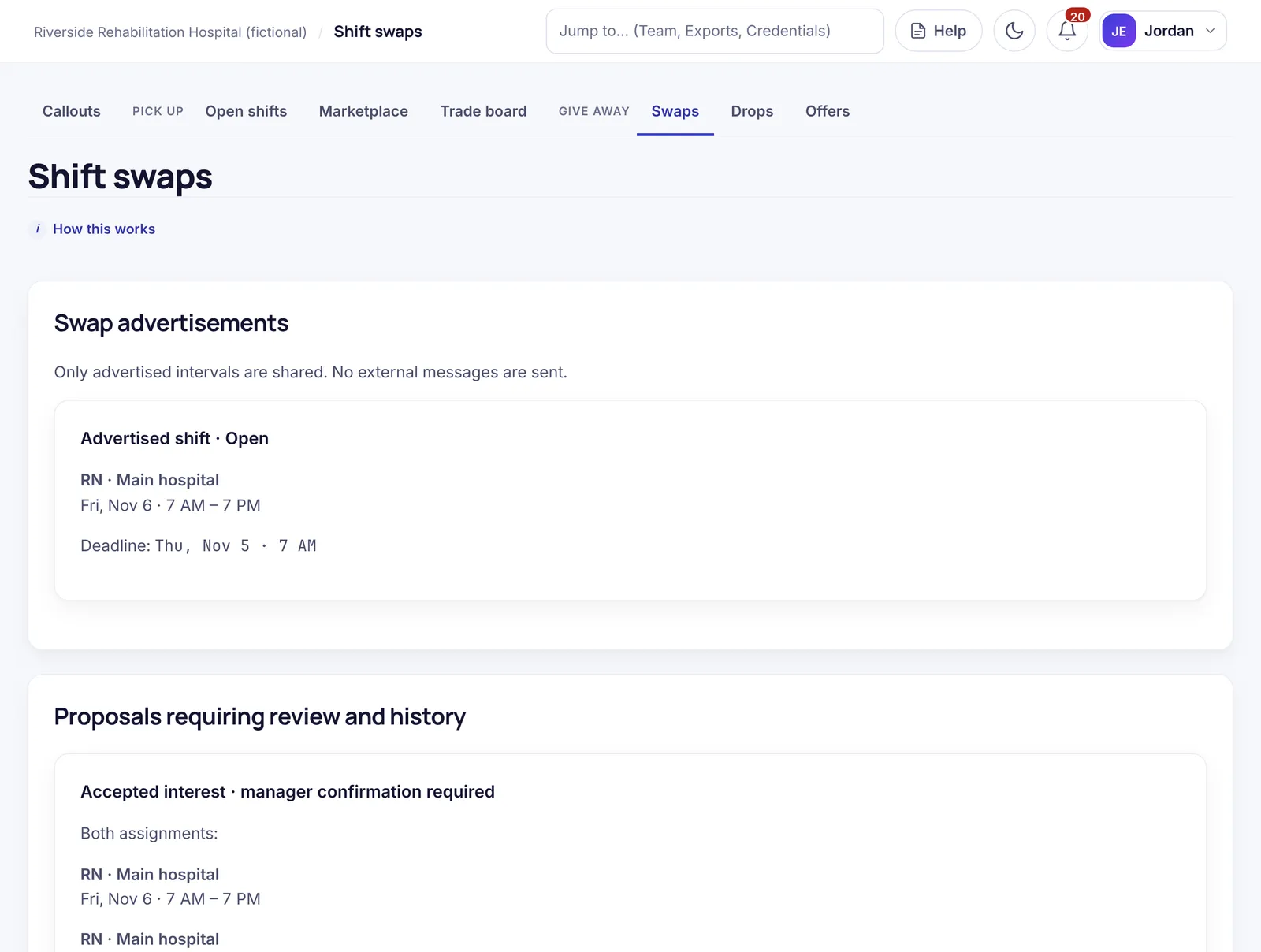
| Swap with a specific person | Offer swap on a shift | You choose the coworker's shift; they agree; a manager approves. |
| Hand a shift to a named replacement | Request replacement on a shift | A drop request that a manager reviews. |
For staff
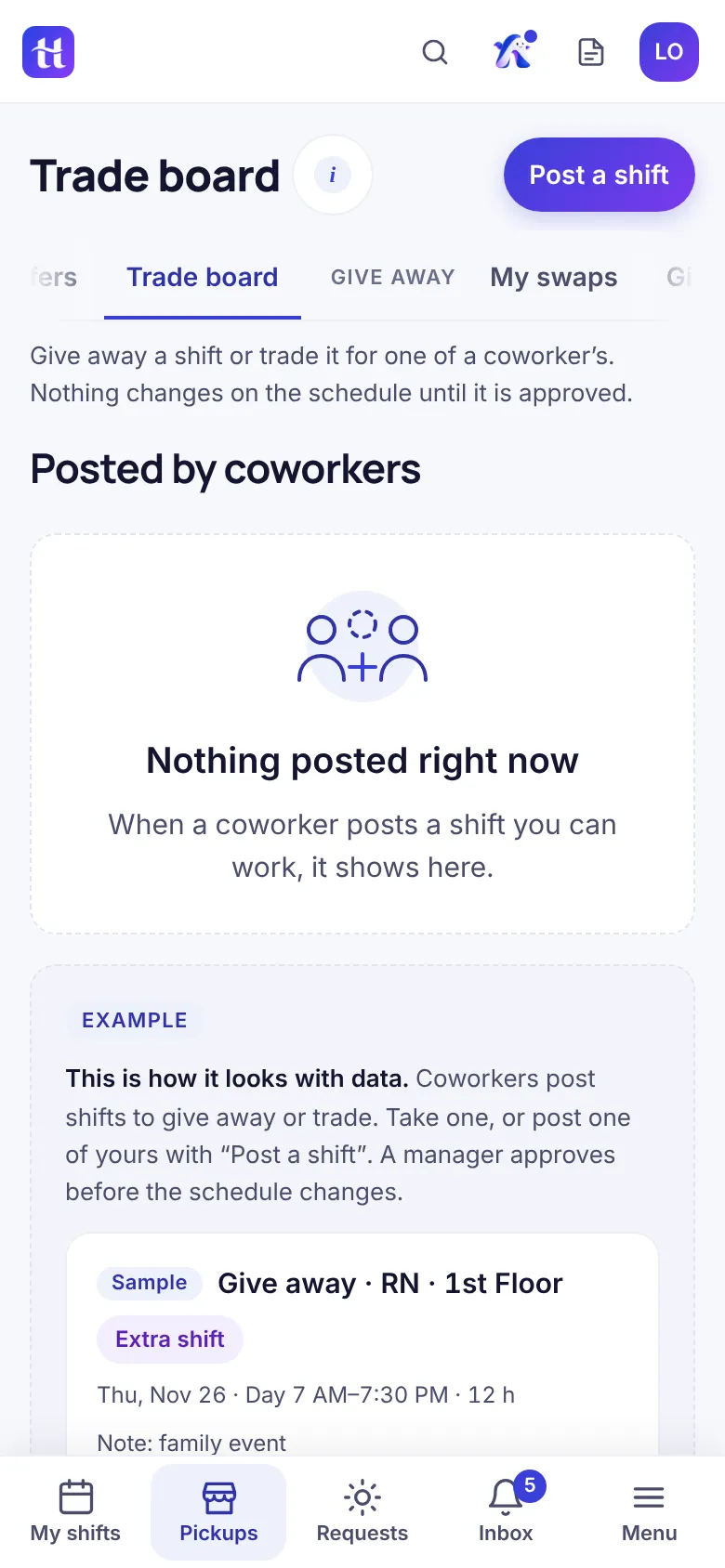
- Post from PickupsTrade board (menu path), or from the shift on My shifts.
- You see the shift offered, not who offered it.
- Either person can withdraw until a manager approves. A post stays up until the shift starts.
For managers: approve
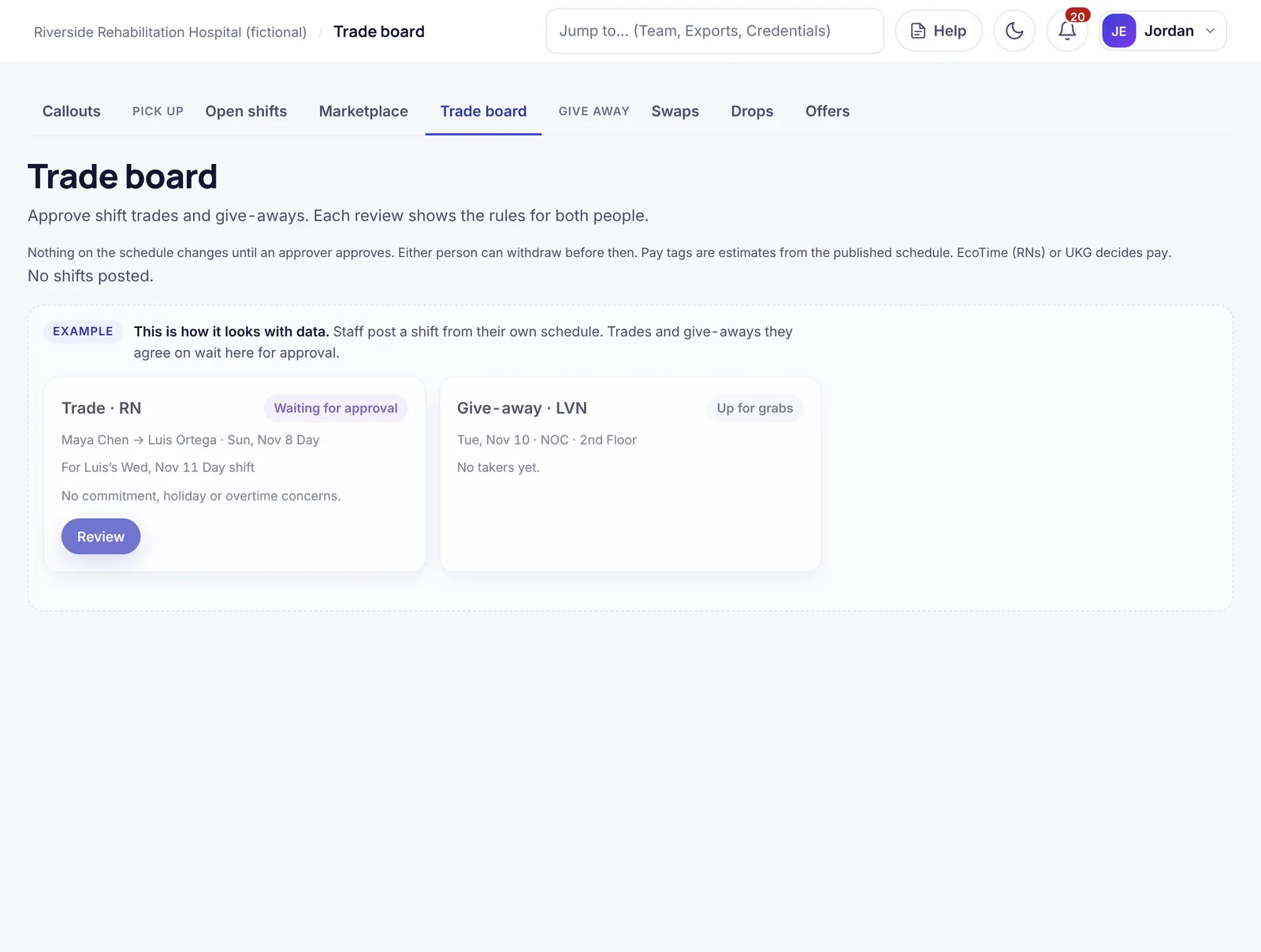
Each card shows every rule for both people: license class, credentials, overlaps, time off, ratio, commitments and pay tag. Blocks must be fixed; warnings can be approved with a reason. Approving publishes the change and tells everyone involved; other takers hear it went to someone else.
Related
Screenshots come from a fictional demo hospital, so names and numbers will differ from yours. Something here out of date or unclear? Email support@attuneops.net.