Break board and meal waivers
Plan and record meal and rest breaks per floor with one relief nurse, keep RN and LVN breaks apart, and keep signed meal waivers on file.
- Published
- Updated
- Screenshots
The rules it keeps
- One nurse on break per floor at a time.
- An RN and an LVN are never on break together.
- One relief (break) nurse per board; a nurse never relieves themselves.
- Late meals are flagged and the nurse gets a reminder.
The board is a record staff and the charge nurse enter. It is not a clock punch or a legal decision about meal-period pay.
For charge nurses
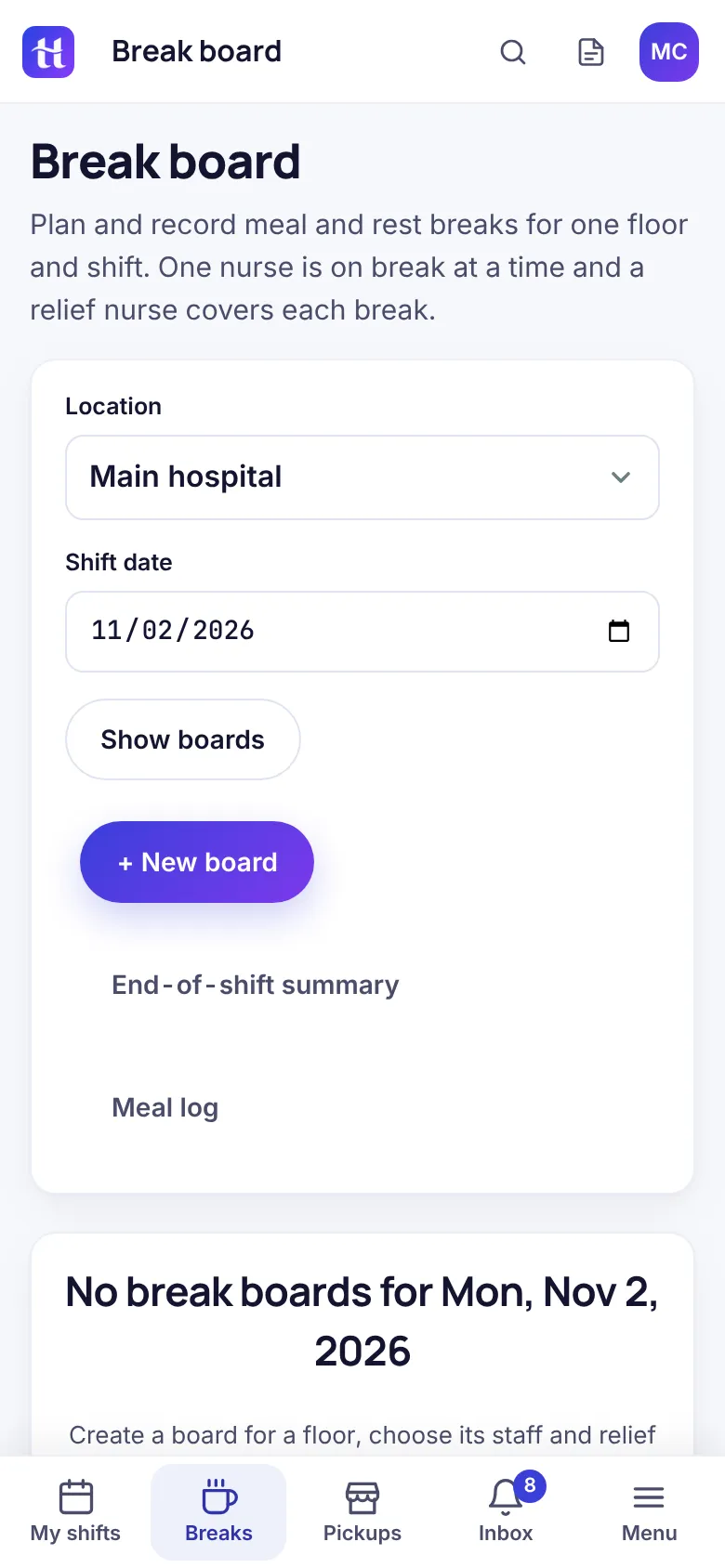
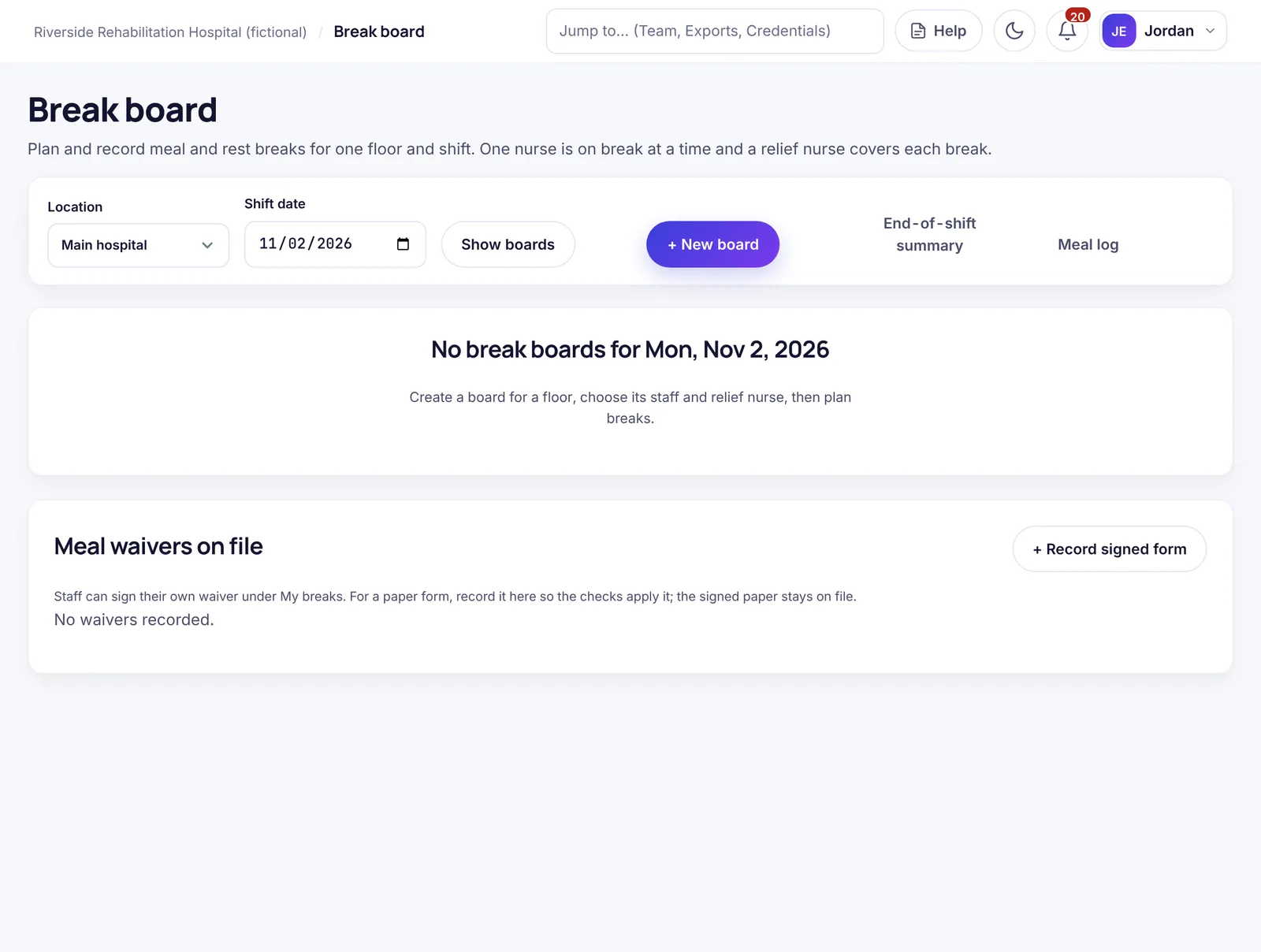
+ New board
Choose the floor and shift, the staff and the relief nurse.
Plan breaks
Set times for each person's meal and rest breaks; overlaps are refused with the reason.
Start and end
Tap Start and End as people go. Missed or waived breaks are recorded with a note.
Close out
End-of-shift summary and Meal log show what happened.
For staff
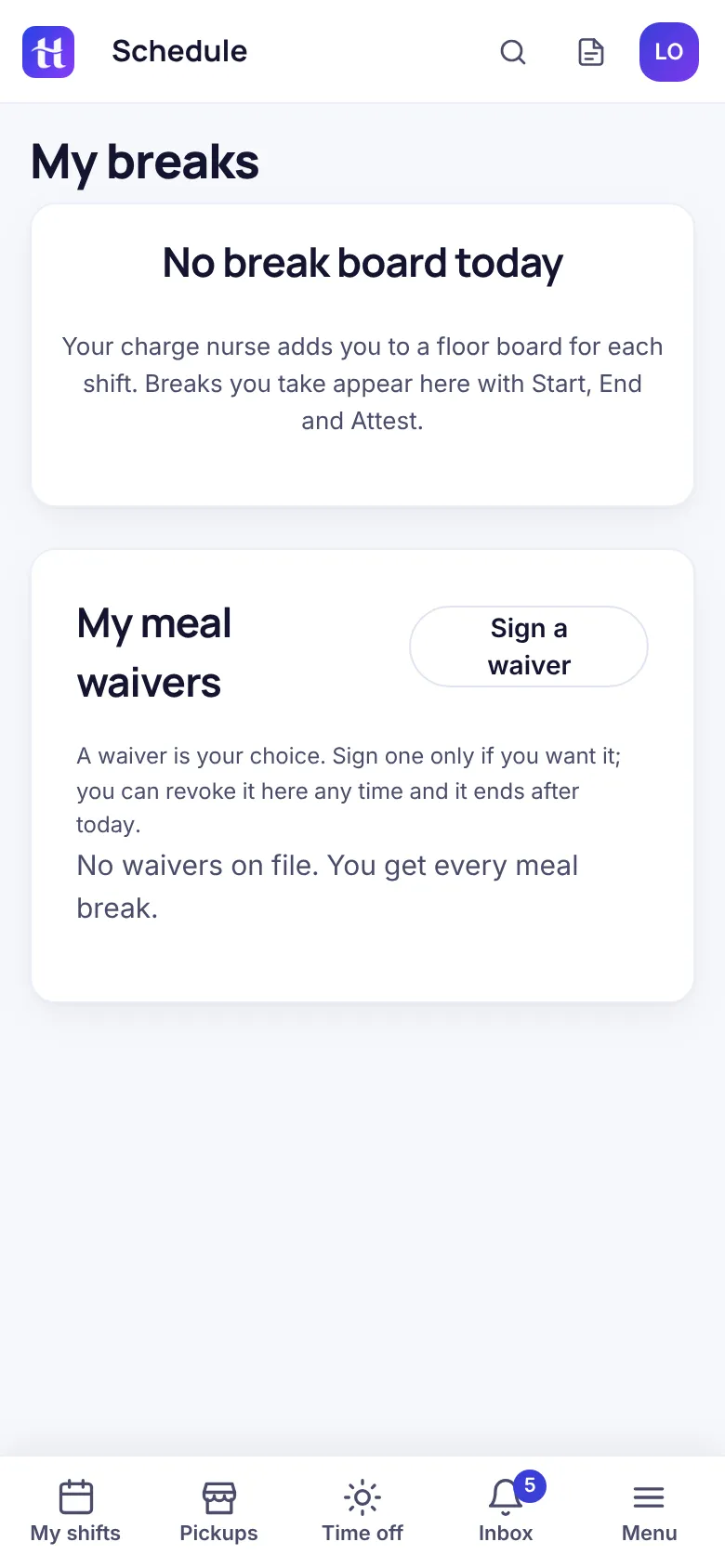
ScheduleMy breaks (menu path) starts and ends your own break. Sign a waiver signs a meal waiver or deferral election; managers can Record signed form for a paper copy.
Related
Screenshots come from a fictional demo hospital, so names and numbers will differ from yours. Something here out of date or unclear? Email support@attuneops.net.