Classes and in-services
Post classes with seats, let staff sign up and join a waitlist, and mark attendance so paid class time reaches the timekeeper.
For managersFor staff
- Published
- Updated
- Screenshots
For managers
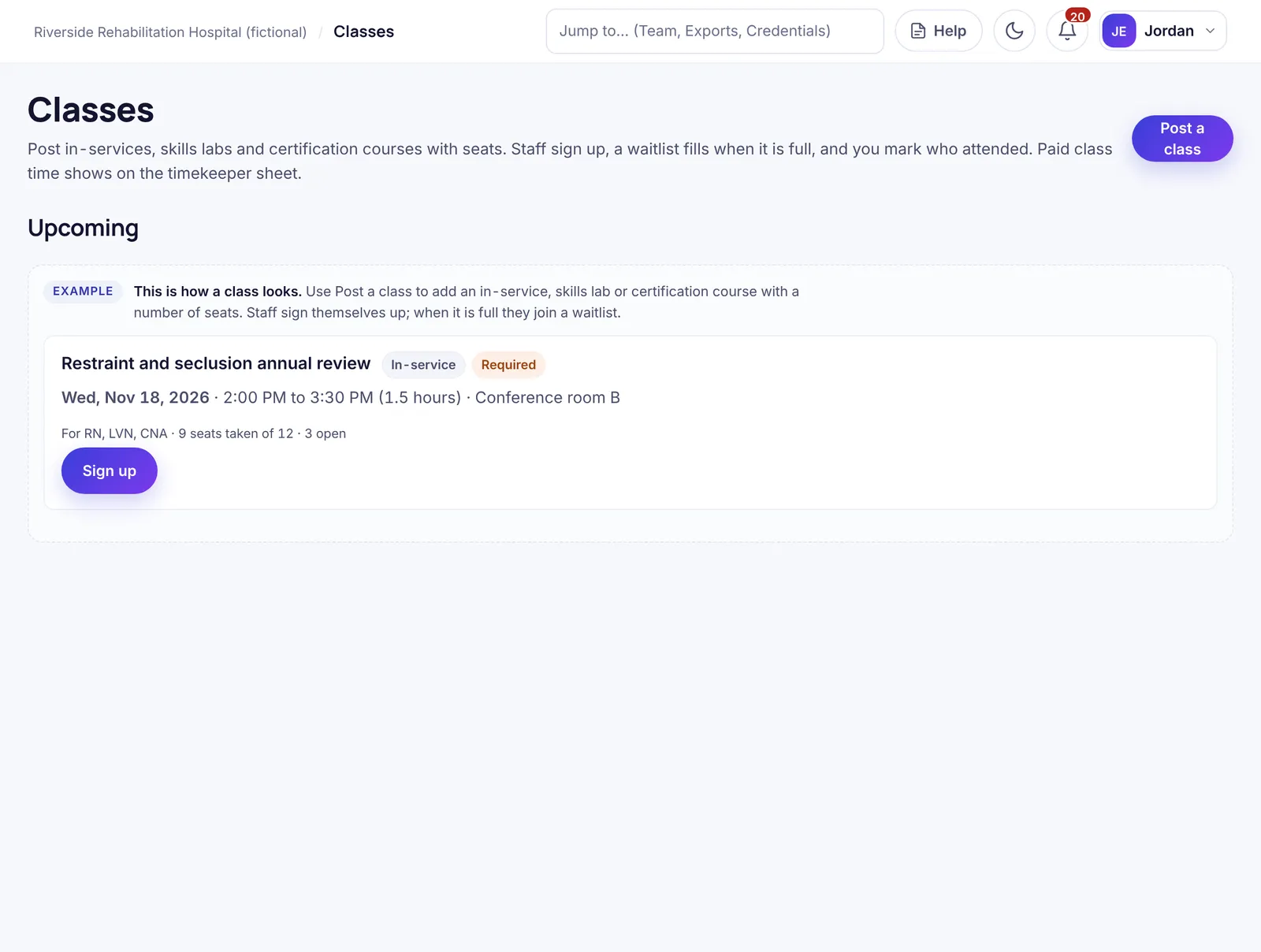
- Post a class: name, kind (in-service, class, certification, skills lab), date and time, room, seats, job roles, paid and required.
- Open the roster to add or remove people at any time before it ends, and mark who attended.
- Paid class time shows on the timekeeper export.
For staff
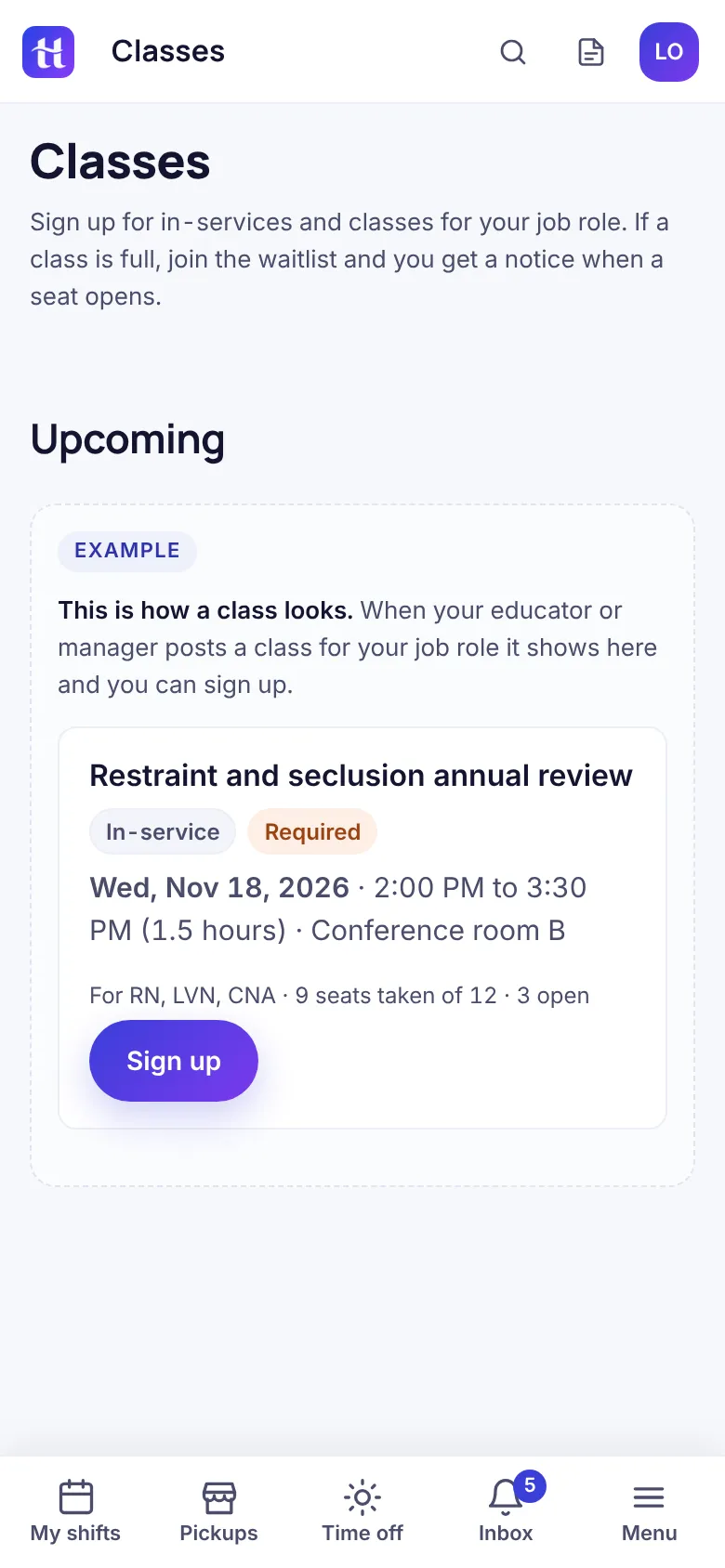
Classes for your job role are listed. Sign up; if it is full you join the waitlist and are told when a seat opens. Cancel your spot from the same card.
Related
Screenshots come from a fictional demo hospital, so names and numbers will differ from yours. Something here out of date or unclear? Email support@attuneops.net.