Holiday sign-up
Staff rank the holidays they want to work; managers see each holiday shift against its need and assign the rest fairly.
For staffFor managers
- Published
- Updated
- Screenshots
The season and minimums
The season is Thanksgiving, Black Friday, Christmas Eve, Christmas, New Year's Eve and New Year's Day. A shift counts for the holiday its date falls on, so a NOC starting Christmas Eve is Christmas Eve. In Nursing, Full Time staff work 3 holidays and Per Diem staff 2.
For staff
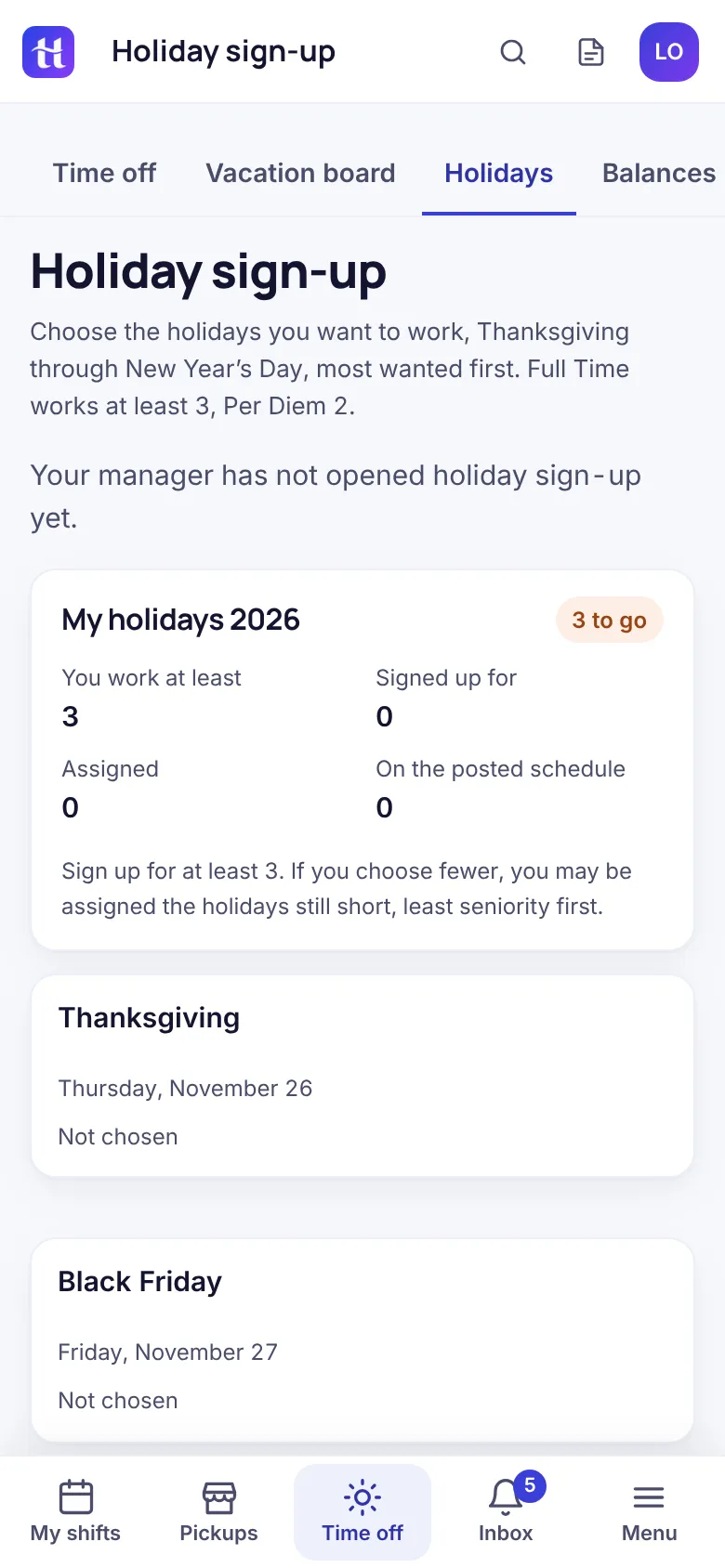
Number the holidays you want to work, 1 = most wanted, while sign-up is open. Day and NOC staff sign up for their own shift; rotating staff choose. After the deadline, ask your manager to change it.
For managers
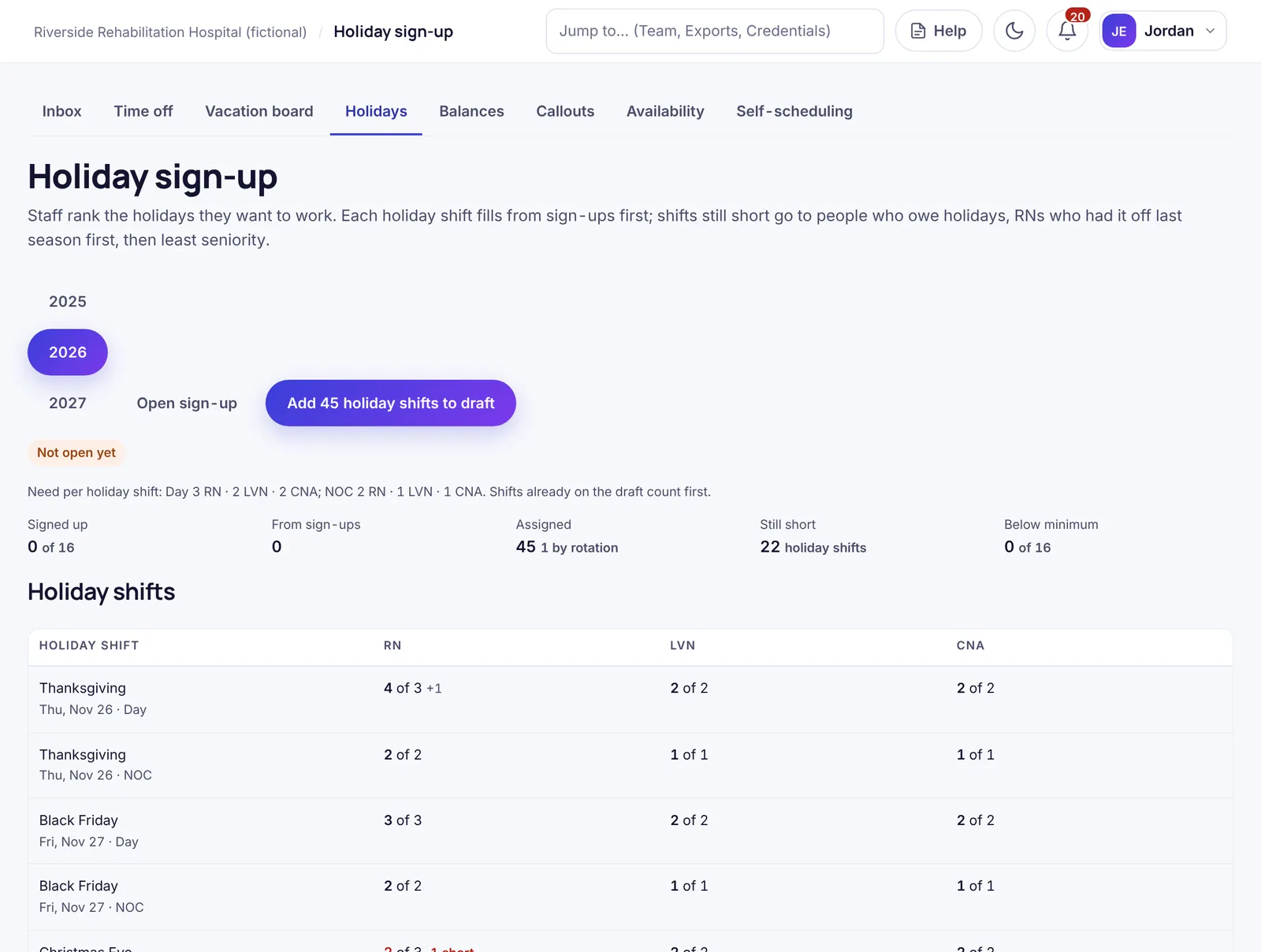
- Open sign-up with a deadline; RNs, LVNs and CNAs are told.
- The board shows each holiday Day and NOC shift against its need (core staffing by default; lower it for the season in settings). Enter records a sign-up for someone who asked on paper.
- Each holiday shift fills from sign-ups first. Shifts still short go to people who owe holidays: RNs who had it off last season first, then least seniority.
- Review the result, press Add holiday shifts to draft, then publish.
Related
Screenshots come from a fictional demo hospital, so names and numbers will differ from yours. Something here out of date or unclear? Email support@attuneops.net.