Time-off balances
PTO, sick, holiday and professional leave left by pay period, and how managers import balances from UKG or EcoTime.
- Published
- Updated
- Screenshots
What you see
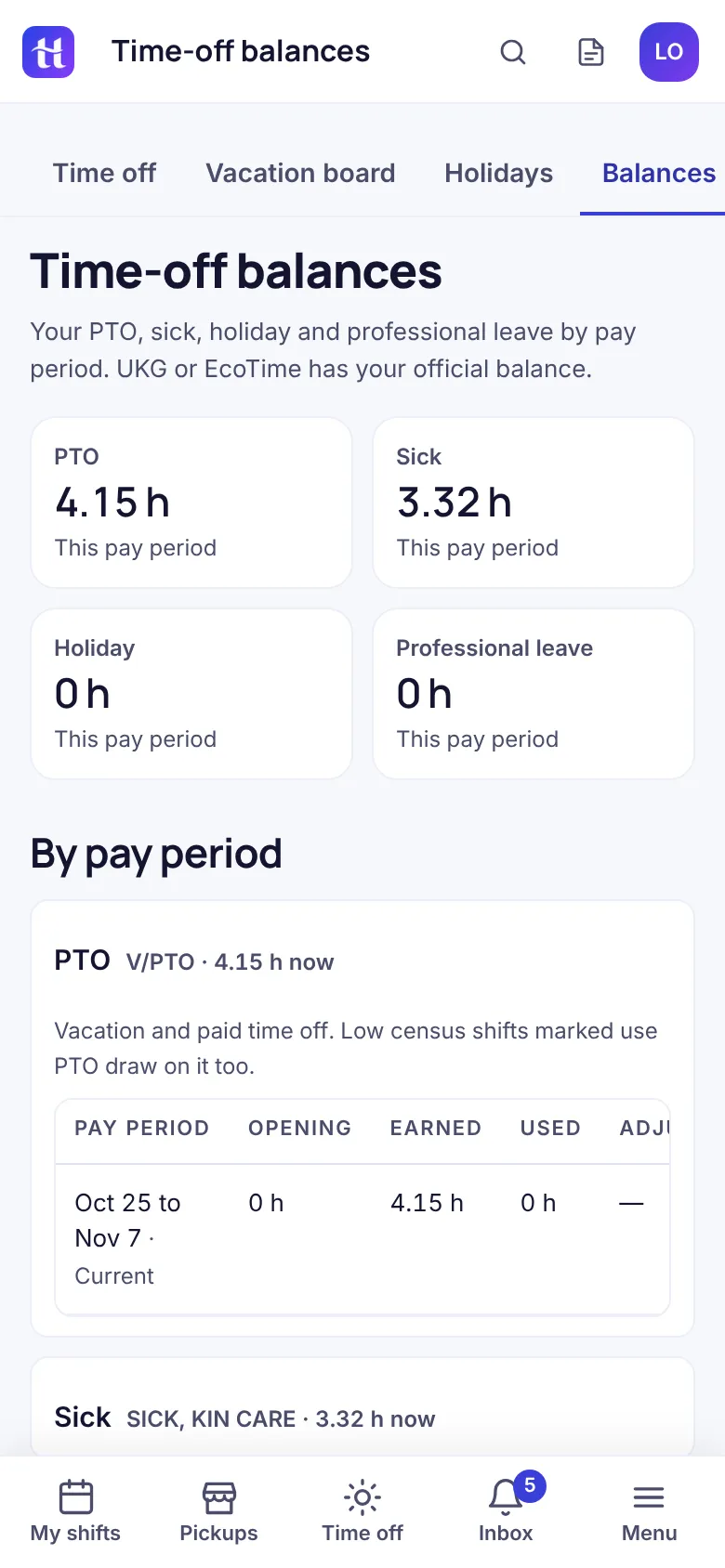
For each biweekly pay period: opening balance, earned, used (coded time off) and closing, for PTO, sick, holiday and professional leave. It is a planning estimate from the published schedule; UKG and EcoTime are the official record.
| Bank | Leave codes |
|---|---|
| PTO | V/PTO (and VLOA or MLOA shifts marked use PTO) |
| Sick | SICK, KIN CARE |
| Holiday | H |
| Professional leave | PL |
For managers: import balances
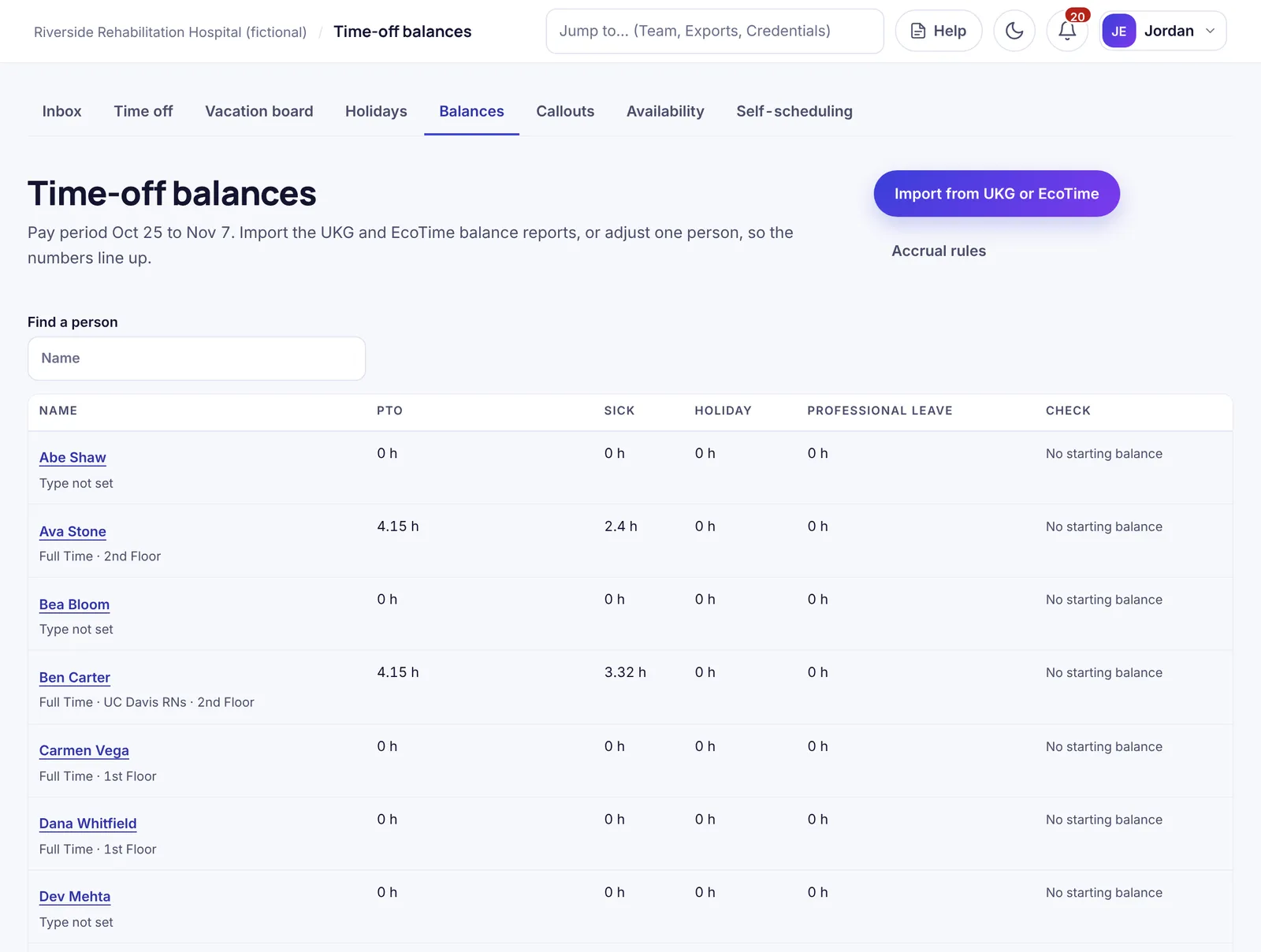
Export from UKG
Dataview Library → Timekeeping → Accrual Details - Full → Share → Export.
Import
On RequestsBalances (menu path), Import from UKG or EcoTime. The preview matches people and maps Paid Time Off to PTO, Legislative Sick to sick, and Holiday and Floating Holiday to holiday. Frozen, excess and cash-out lines are skipped. Files up to 1.5 MB.
Check and save
Each imported number becomes a Set balance for that pay period.
Accrual rules sets how each employment type earns time (per hour worked or a flat amount per period, with a cap). To fix one person, open their name and adjust the balance.
Related
Screenshots come from a fictional demo hospital, so names and numbers will differ from yours. Something here out of date or unclear? Email support@attuneops.net.