Incident quick reports
A fast heads-up from any phone about a fall, medication event, injury or near miss, and the manager review queue.
- Published
- Updated
- Screenshots
File a report
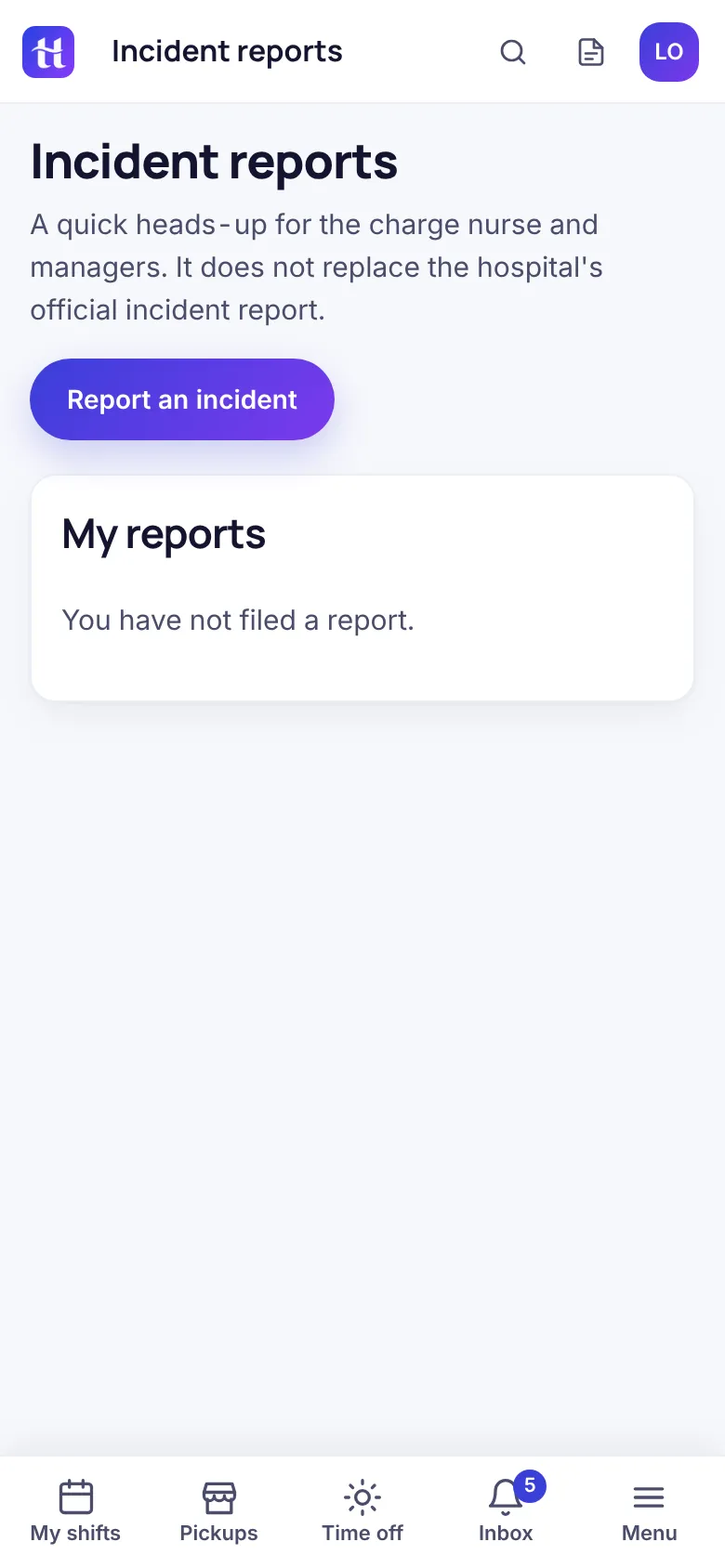
Tap Report an incident
Fill it in
Type (fall, medication, staff injury, equipment, behavioral, near miss, other), when, floor and room, what happened, roles involved, whether anyone was hurt, immediate actions, and whether the charge nurse was told.
Send
The charge nurse and managers see it right away.
This is a heads-up, not the hospital's official incident system. Still file the official report. No patient names, MRNs or birth dates; the form refuses them.
For managers: the review queue
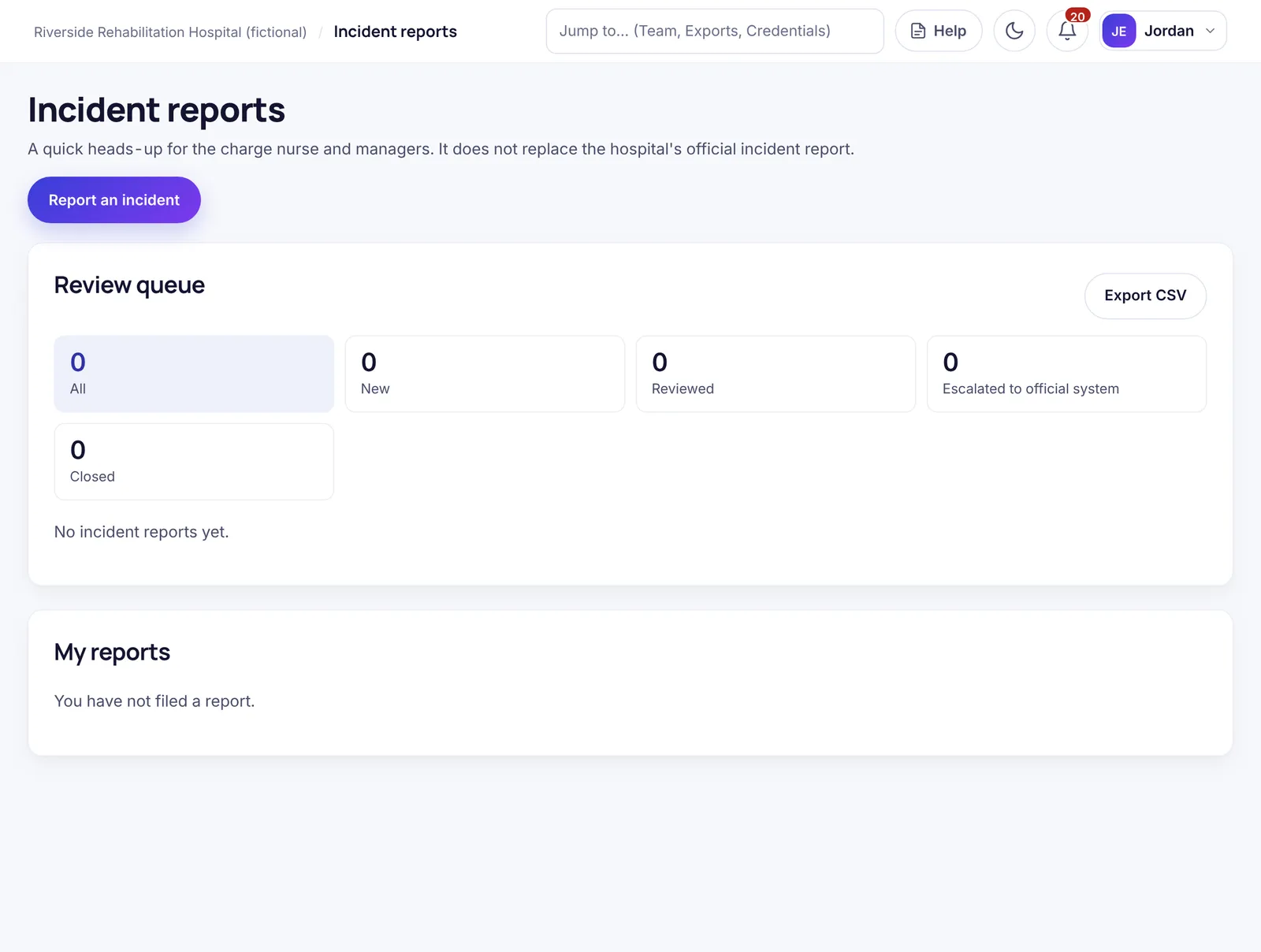
Move each report through New, Reviewed, Escalated to official system (with an optional reference number) and Closed. Export CSV for a meeting.
Related
Screenshots come from a fictional demo hospital, so names and numbers will differ from yours. Something here out of date or unclear? Email support@attuneops.net.