Huddle notes and handoff
Record the charge nurse huddle with live numbers filled in, carry follow-ups to the next shift, and mark the handoff read.
- Published
- Updated
- Screenshots
Write the huddle
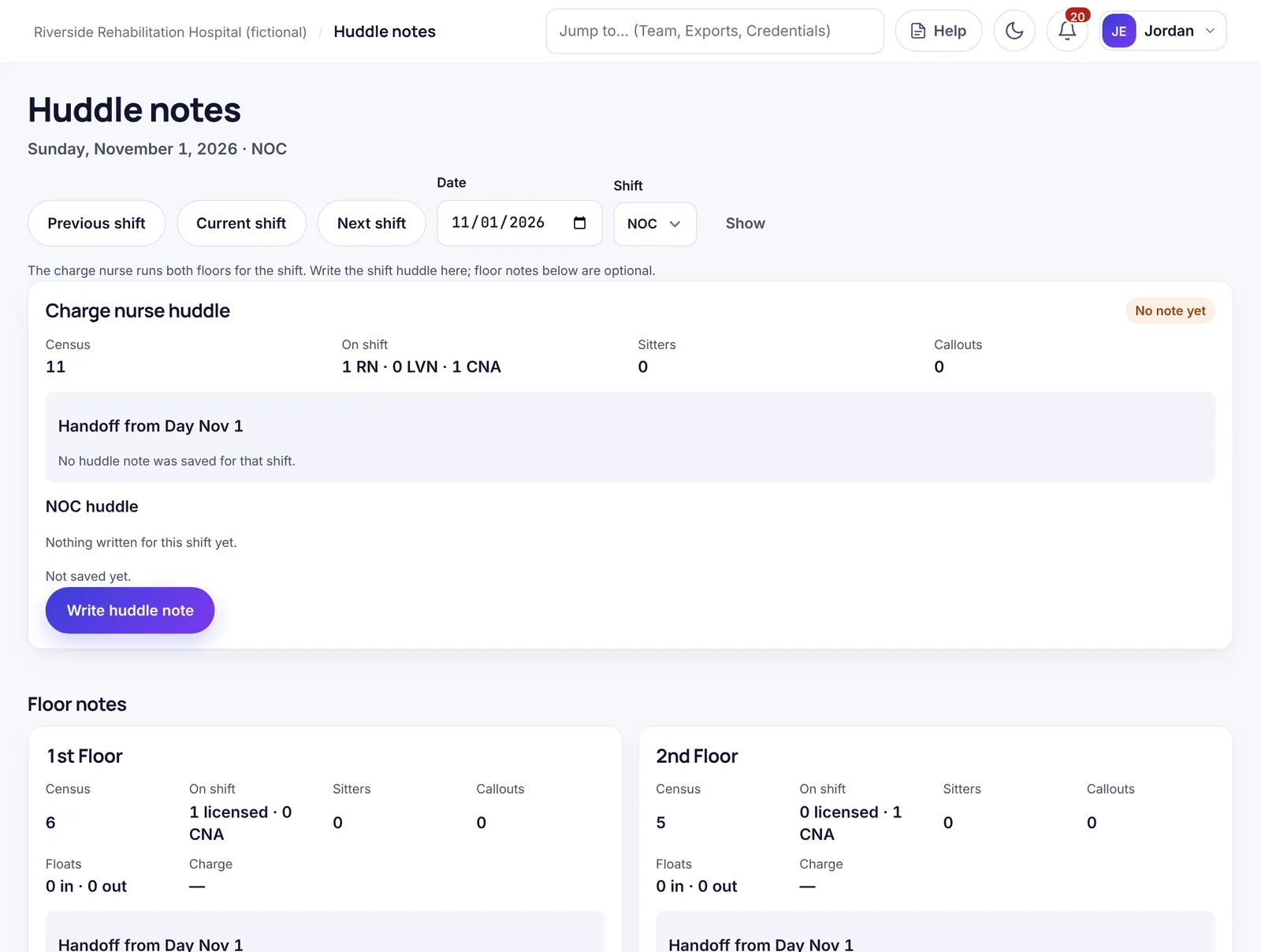
Press Write huddle note
Census, licensed and CNA on shift, sitters, callouts, floats and the charge nurse are filled in from the staffing sheet. You never type them.
Add what to watch
Expected admits and discharges, high fall risk, isolation, high acuity, and short notes on safety, staffing, equipment and anything else.
Add follow-ups
Up to 20 one-line items, each open or done.
Add floor note adds a note for one floor. Each save keeps a snapshot of the numbers the huddle saw.
Handoff
The oncoming charge nurse reads the last shift's note under Handoff from and marks it read. Open follow-ups from the latest note in the last two weeks carry over, so nothing drops when a shift wrote nothing.
Huddle notes are for charge nurses and managers only. Nothing is emailed or texted. Rooms only, never patient names.
Related
Screenshots come from a fictional demo hospital, so names and numbers will differ from yours. Something here out of date or unclear? Email support@attuneops.net.