Assignment sheet and My patients
Give each room a nurse and a CNA, print the building's assignment sheet, and let staff see their own rooms on their phone.
- Published
- Updated
- Screenshots
Make the assignments
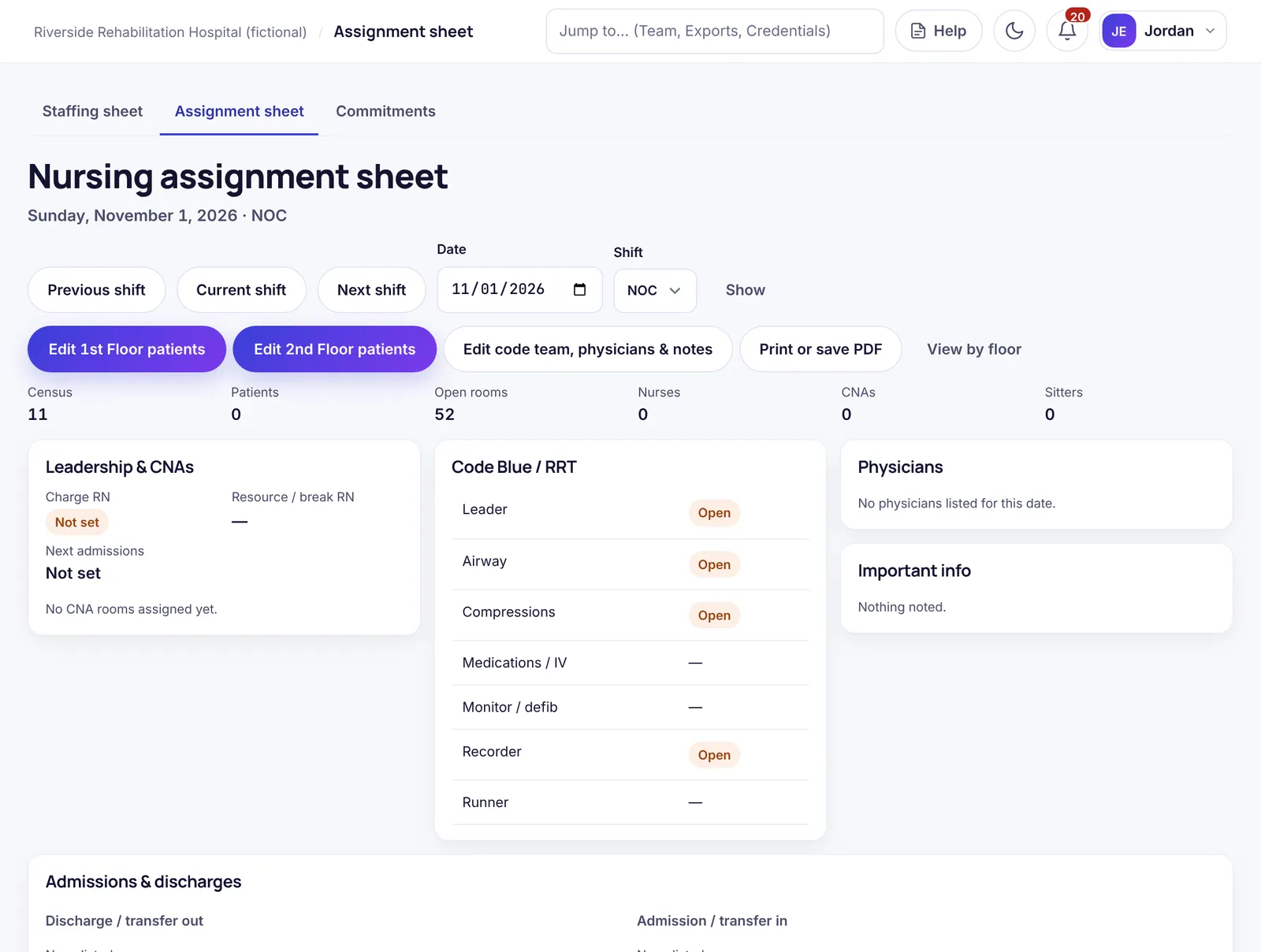
Open FloorsStaffing sheetAssignment sheet (menu path) for the date and shift
Press Edit 1st Floor patients (or the floor you need)
List the occupied rooms, then give each a nurse (RN or LVN) and a CNA. Copy from carries the last shift's rooms forward. Initials are optional; acuity (1–3) and tags (isolation, fall risk, 1:1 sitter, new admit, discharge) are optional.
Fill the header
Edit code team, physicians & notes: Code Blue / RRT roles, attending and resident with dates, and important info. Callouts and leave codes are added for you.
Print
Print or save PDF gives one sheet for the building; CNA room ranges are worked out for you.
The roster comes from the staffing sheet: callouts and floated-out staff are removed, floated-in staff added. Over-ratio nurses, a charge nurse with patients, and rooms without a nurse or CNA are flagged, not blocked.
Never type a patient's name. Rooms and up to 3 initials only.
For staff: My patients
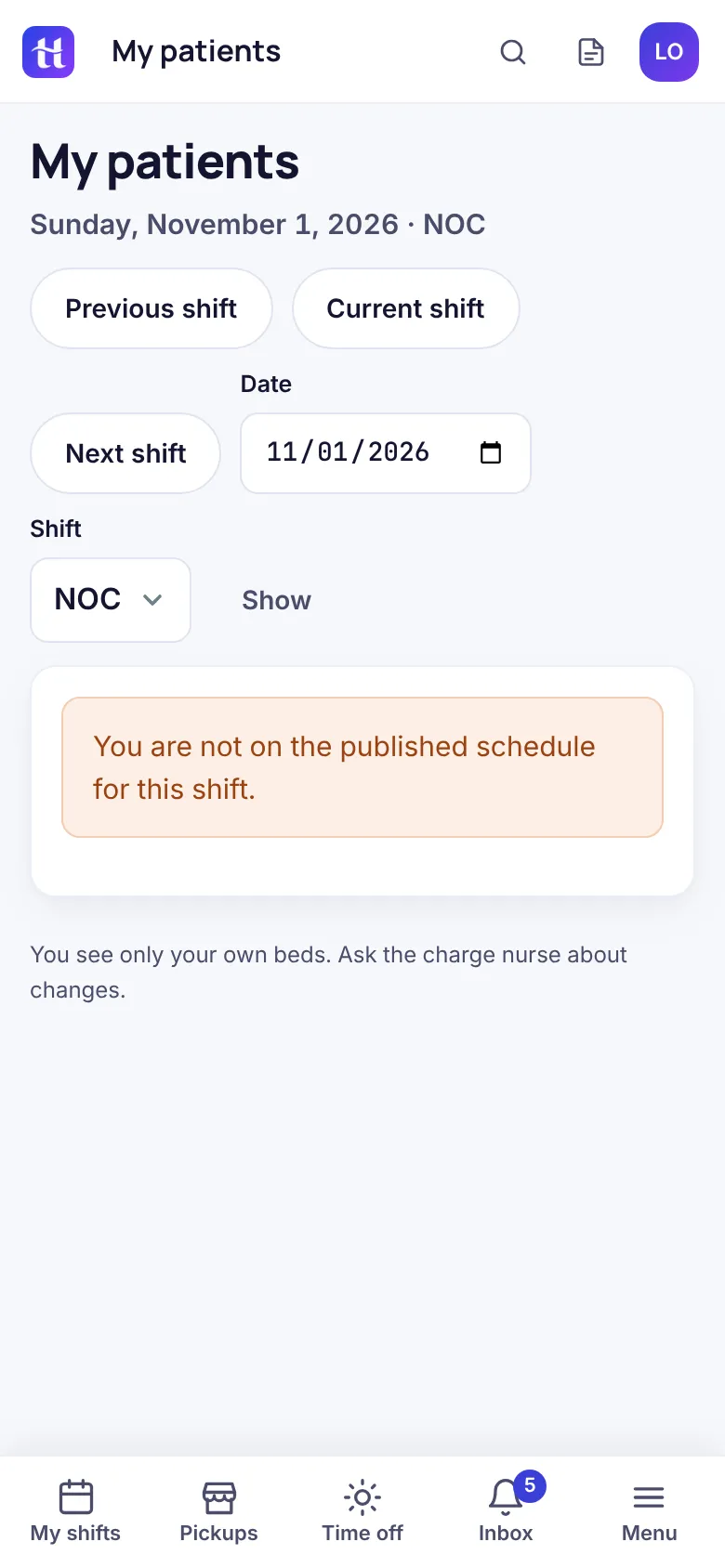
ScheduleMy patients (menu path) shows only your rooms for the shift, with acuity and tags. Use Previous shift and Next shift to look around your shift.
Related
Screenshots come from a fictional demo hospital, so names and numbers will differ from yours. Something here out of date or unclear? Email support@attuneops.net.