Time off and availability
Ask for time off, tell managers when you can work, and decide requests from the Requests inbox.
- Published
- Updated
- Screenshots
For staff: request time off
Open RequestsTime off (menu path) and tap Request time off
Pick the dates and how to pay it
PTO, sick, holiday, professional leave or without pay. Your balance shows before you send.
Follow it under Request history
You get an alert when it is approved or declined. You can withdraw a pending request.
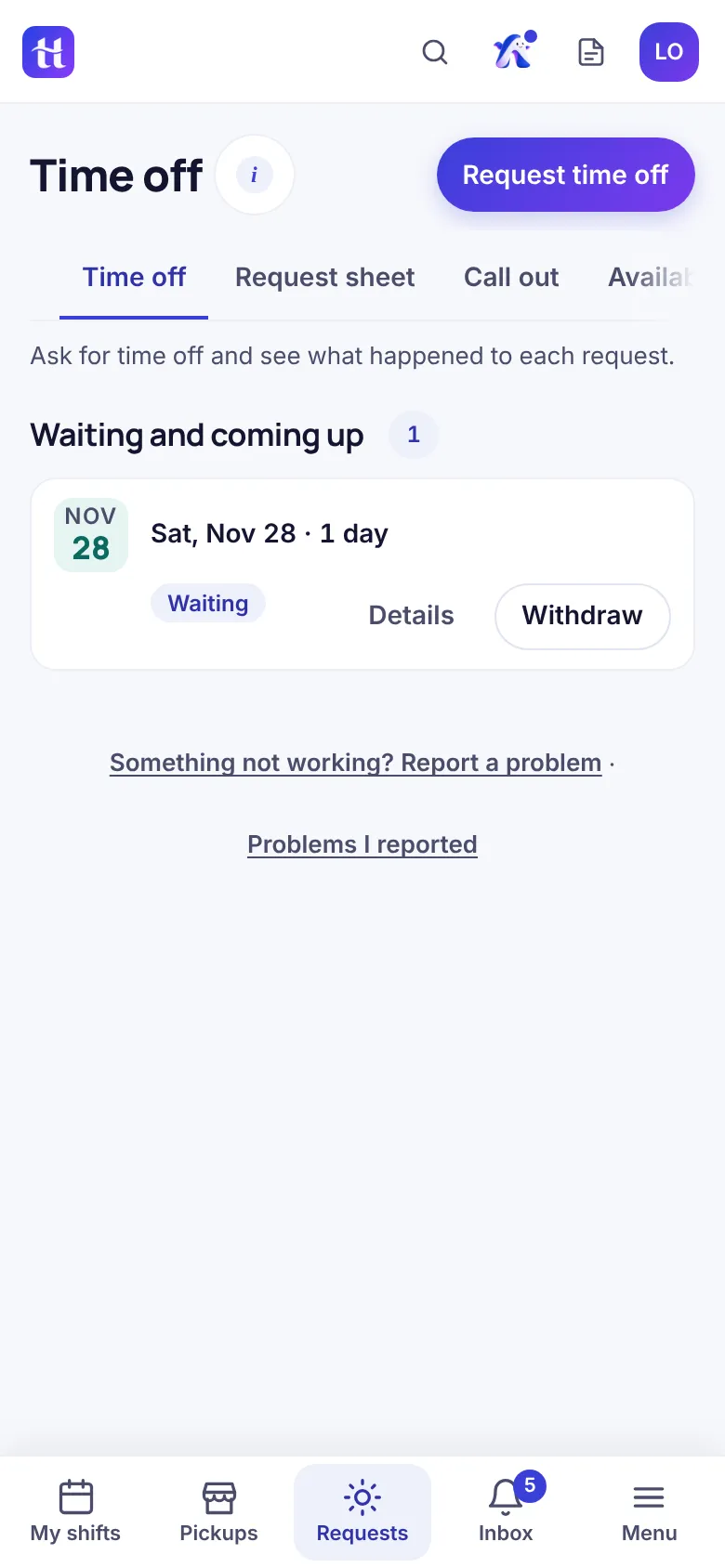
For whole vacation weeks use the Vacation board. Approved time off blocks scheduling; a shift already published stays until a manager changes it.
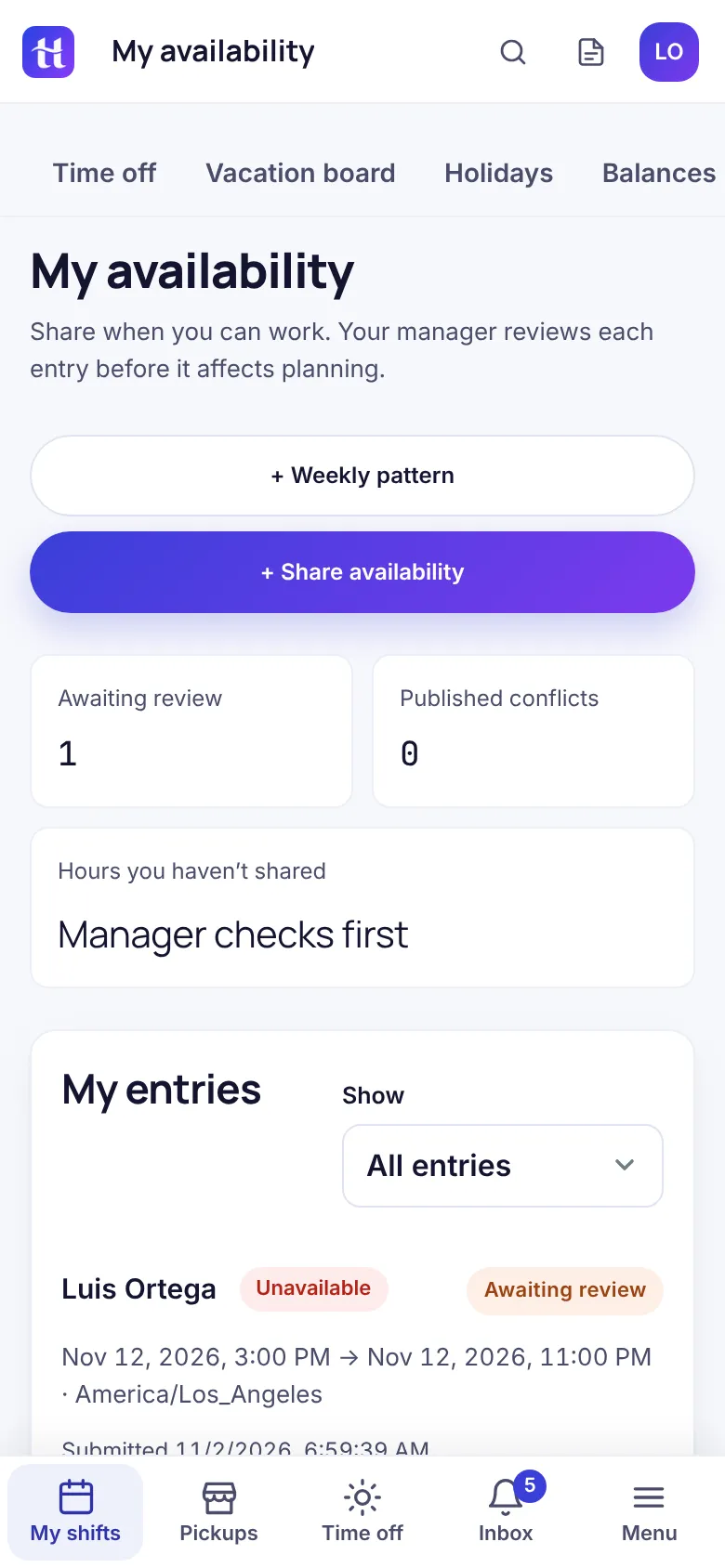
For staff: availability
RequestsAvailability (menu path) tells managers which days or times you can or cannot work, as a weekly pattern or for specific dates. A manager reviews each change before it counts.
For managers: the Requests inbox
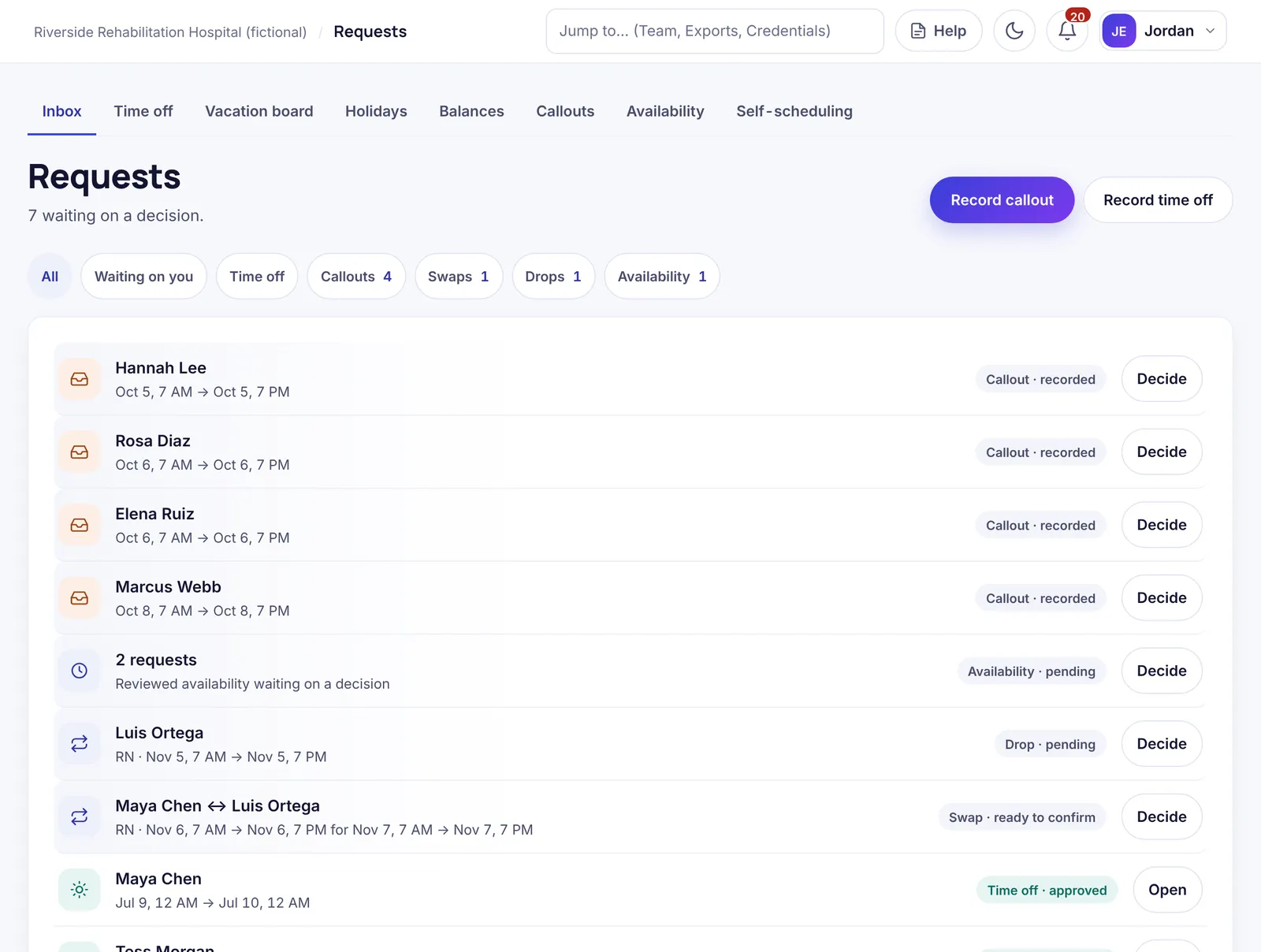
- RequestsInbox (menu path) lists everything waiting on a decision: callouts, swaps, drops, availability and time off. Waiting on you narrows to your queue.
- Decide shows the schedule impact (shifts it would leave uncovered) before you approve.
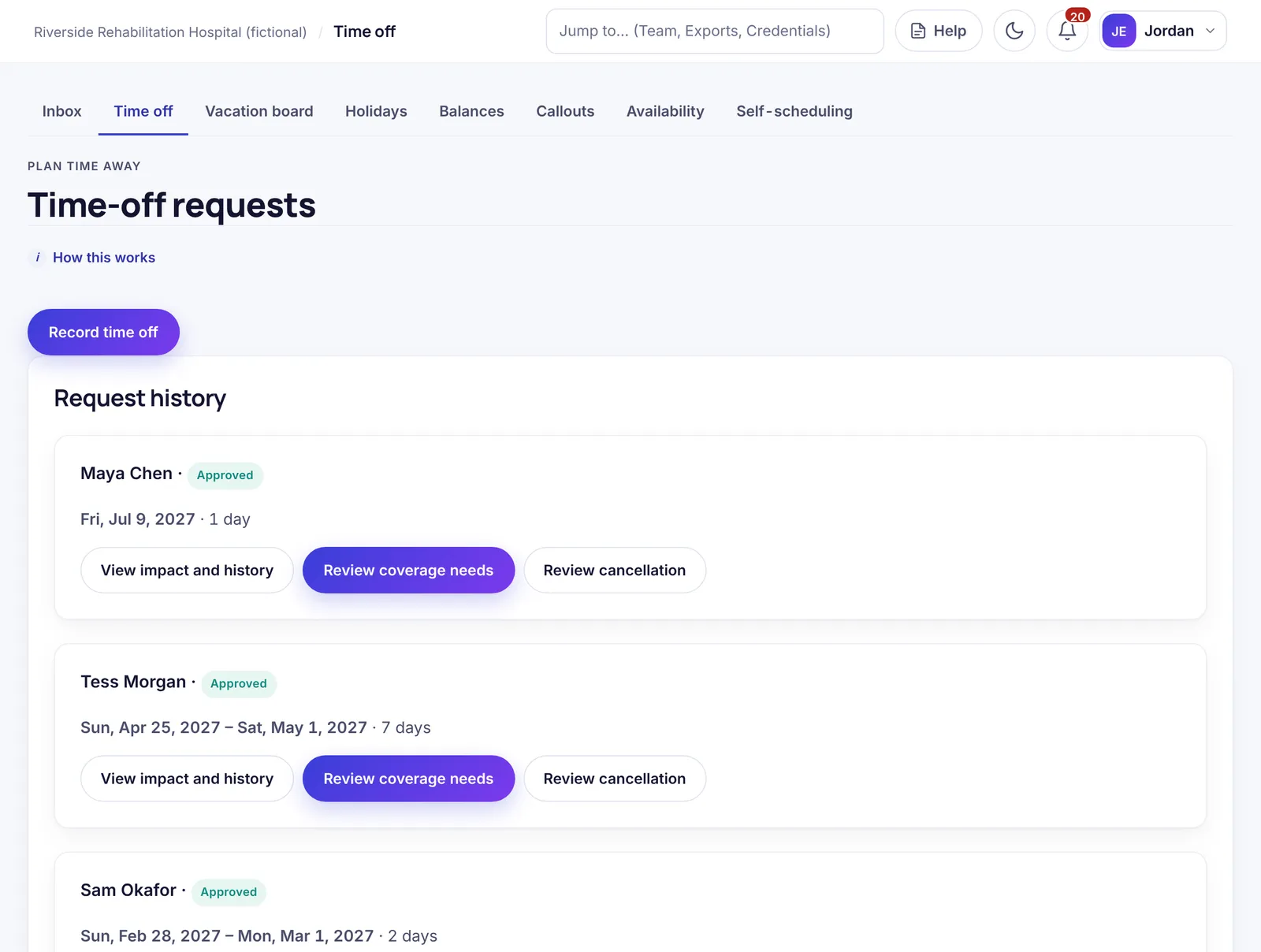
- Record time off enters time off for someone who asked in person; give it a leave code.
Related
Screenshots come from a fictional demo hospital, so names and numbers will differ from yours. Something here out of date or unclear? Email support@attuneops.net.