Announcements
Post memos and policy changes to the right people, ask them to sign, and track who has not.
For managersFor staff
- Published
- Updated
- Screenshots
For managers: post and track
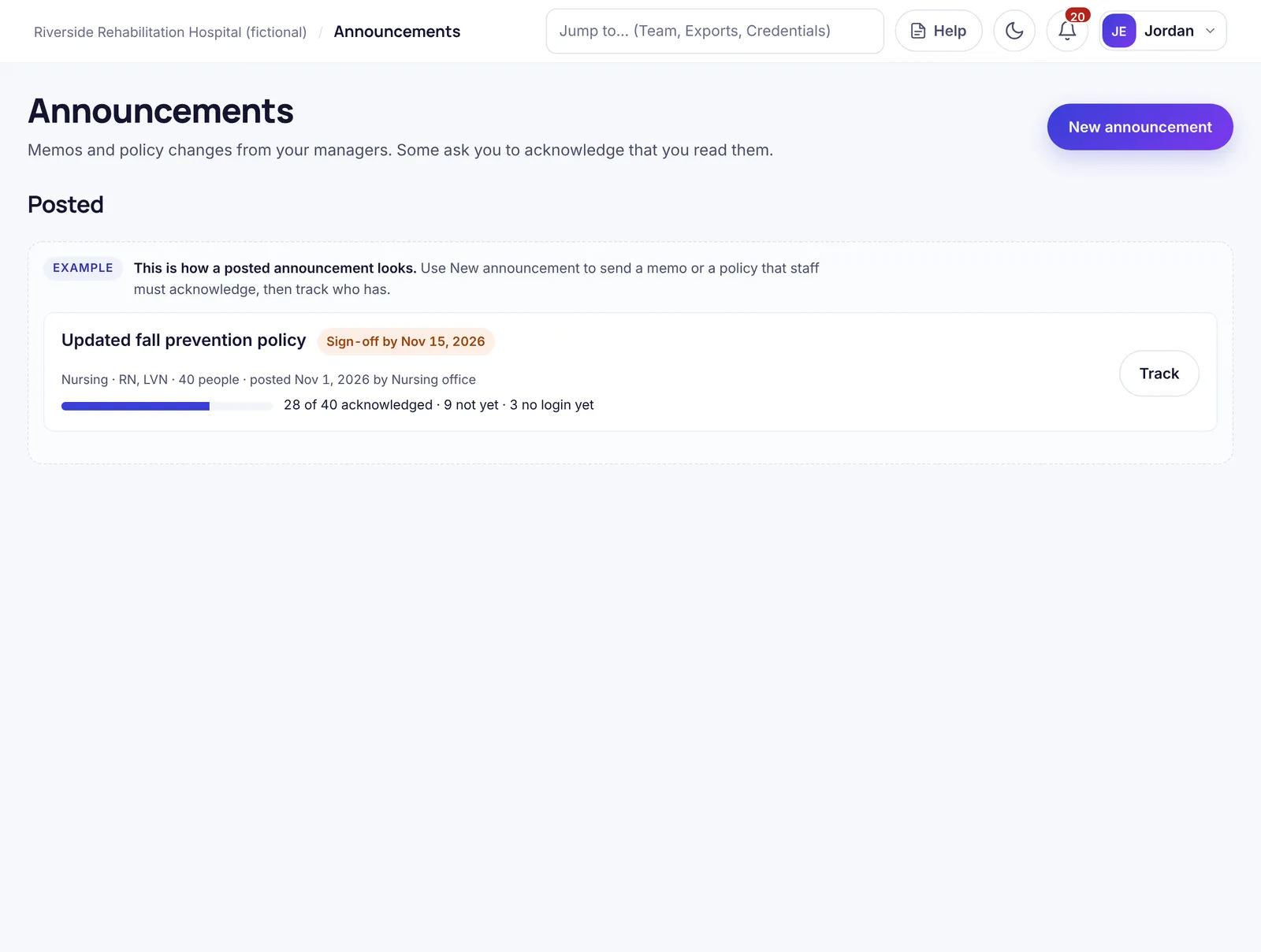
New announcement
Title, message, and audience: everyone, or any mix of departments, home floors and job roles.
Choose whether each person must sign it
Add a Sign by date if it is a policy.
Track
See who signed, who has not and who has never signed in. Remind the rest.
The recipient list is fixed when you post. People hired later are not added; post again if they need it.
For staff
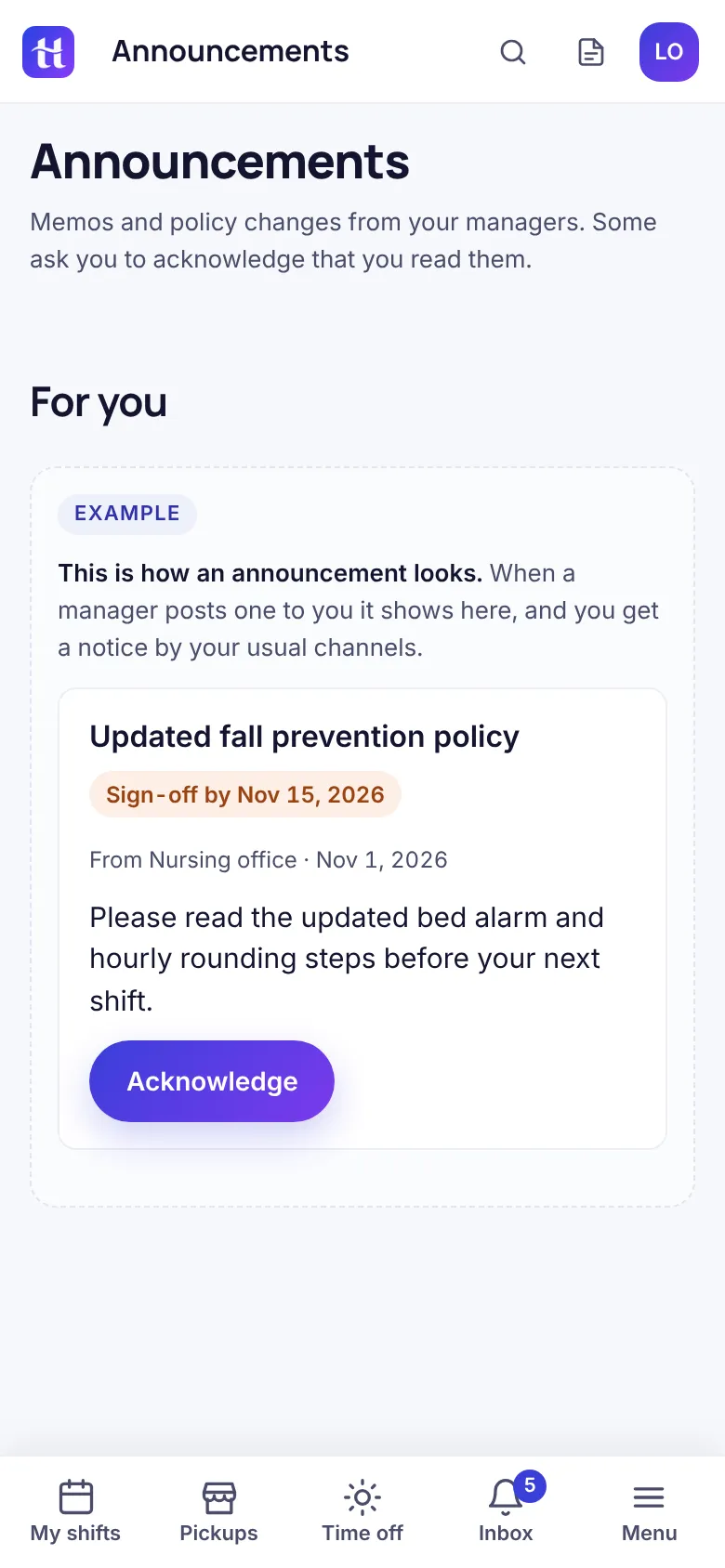
New announcements show at the top of My shifts until you read them. Mark read, or tick the statement and Sign when asked.
Related
Classes and in-servicesPost classes with seats, let staff sign up and join a waitlist, and mark attendance so paid class time reaches the timekeeper.Recognition and staff pulseBadges earned from work already on record, thank-you notes, and short confidential surveys on staffing, support and plans to stay.
Screenshots come from a fictional demo hospital, so names and numbers will differ from yours. Something here out of date or unclear? Email support@attuneops.net.