Exports and the timekeeper sheet
Print or download the schedule, export your own shifts, and give timekeepers the hours to key into UKG and EcoTime each pay period.
- Published
- Updated
- Screenshots
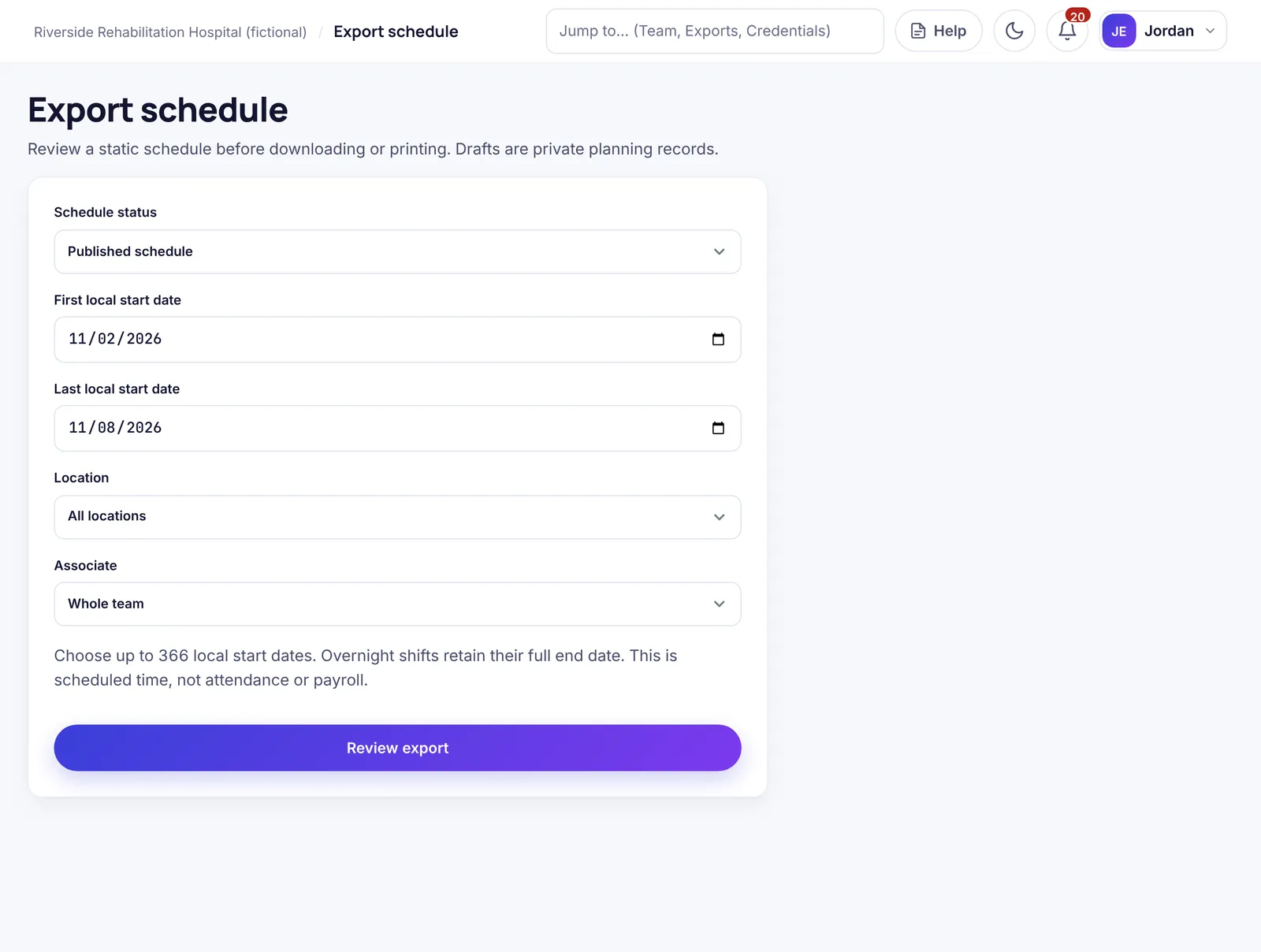
Export the schedule
ReportsExport schedule (menu path): choose published or draft, the dates, location and person, then Review export to print or download Excel. Staff can export their own shifts from ScheduleExport schedule (menu path).
Timekeeper export
ReportsTimekeeper export (menu path) lists the published shifts for one biweekly pay period, grouped by system and floor: EcoTime for UC Davis RNs, UKG for Lifepoint staff and travelers. Each row has the person's employee ID, shifts, hours per week, pickups, callouts and hours by leave code, so timekeepers can key them in.
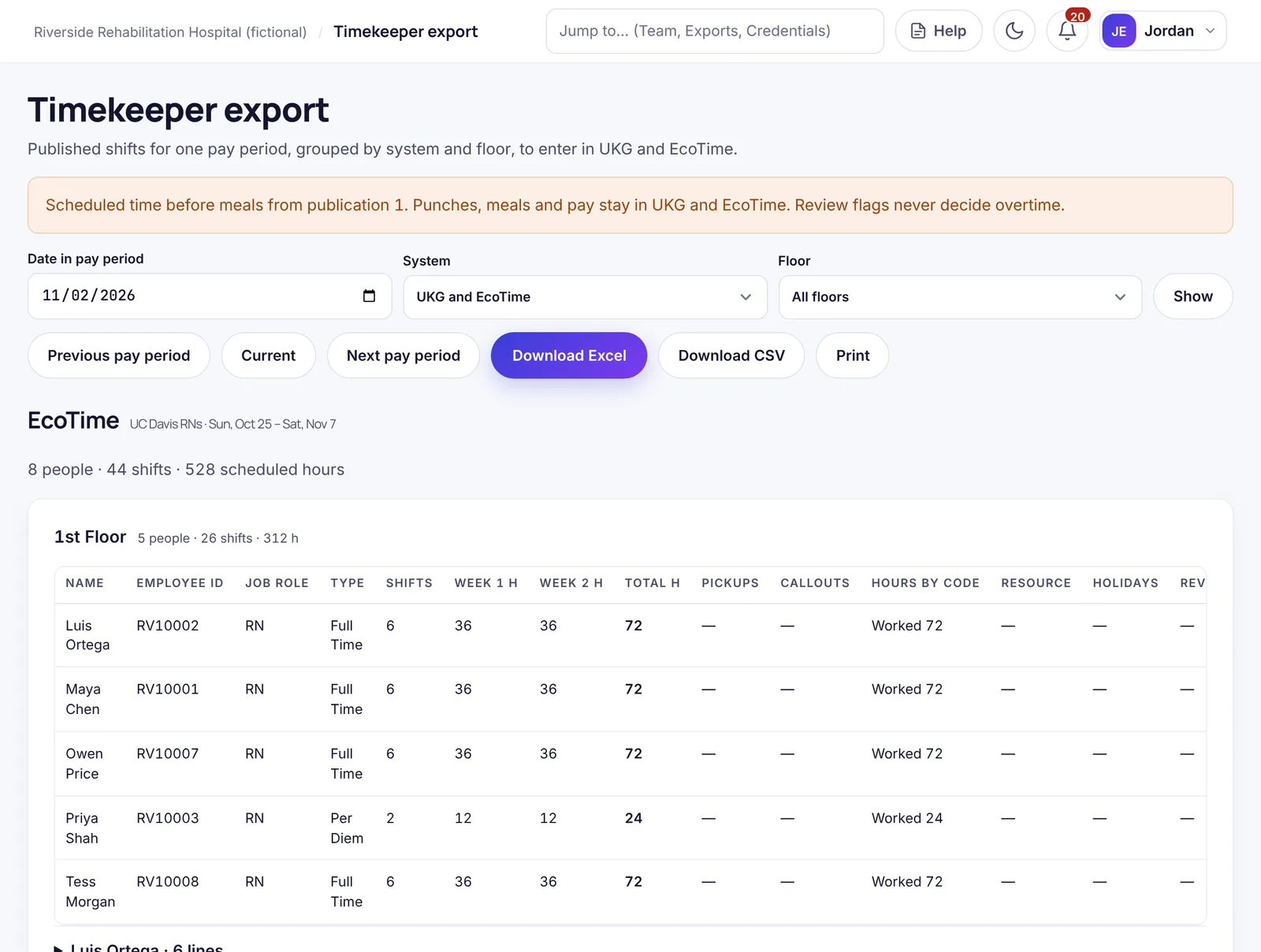
- Move between periods with Previous pay period, Current and Next pay period.
- Download Excel, Download CSV or Print.
- Review flags point out things to check. They never decide overtime or pay.
Scheduled time is before meals. Punches, meals and pay stay in UKG and EcoTime.
Related
Screenshots come from a fictional demo hospital, so names and numbers will differ from yours. Something here out of date or unclear? Email support@attuneops.net.