
Trade a shift with a coworker
For staff · 2 minute read · Checked
Got a shift you can't work but don't want to call out? Post it on the Trade board. A coworker can take it, or trade you one of theirs.
Nothing changes on the schedule until it is approved.
Post a shift
- Tap Pickups, then Trade boardPickups is the second button at the bottom of your phone.
- Tap Post a shiftPick the shift, then choose to give it away or trade it.
- Wait for a coworkerPeople who can work it see your post. You get a message when someone takes it.
Taking a coworker's shift
Shifts your coworkers posted are listed under Posted by coworkers. You see their first name and last initial.
Good to knowUntil a trade is approved, the shift is still yours to work.
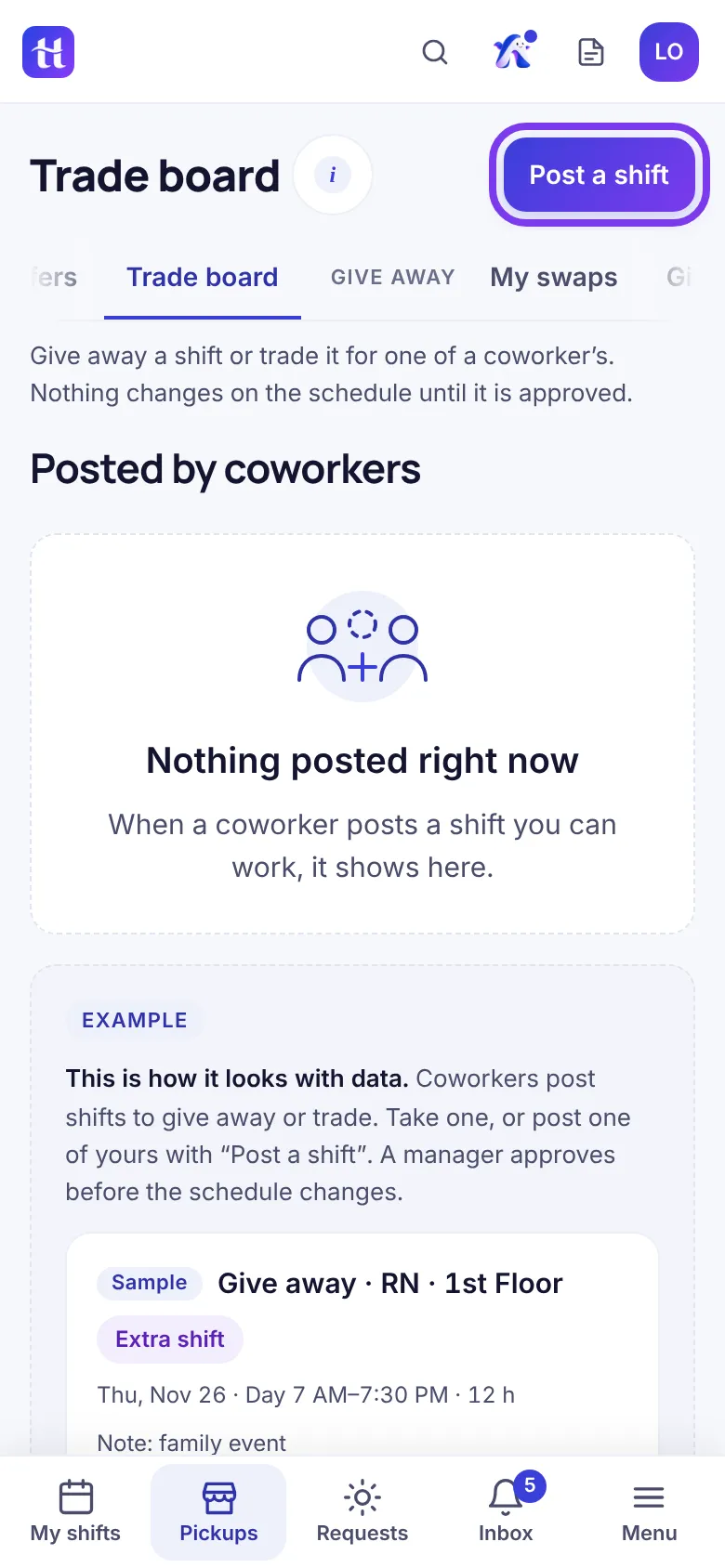
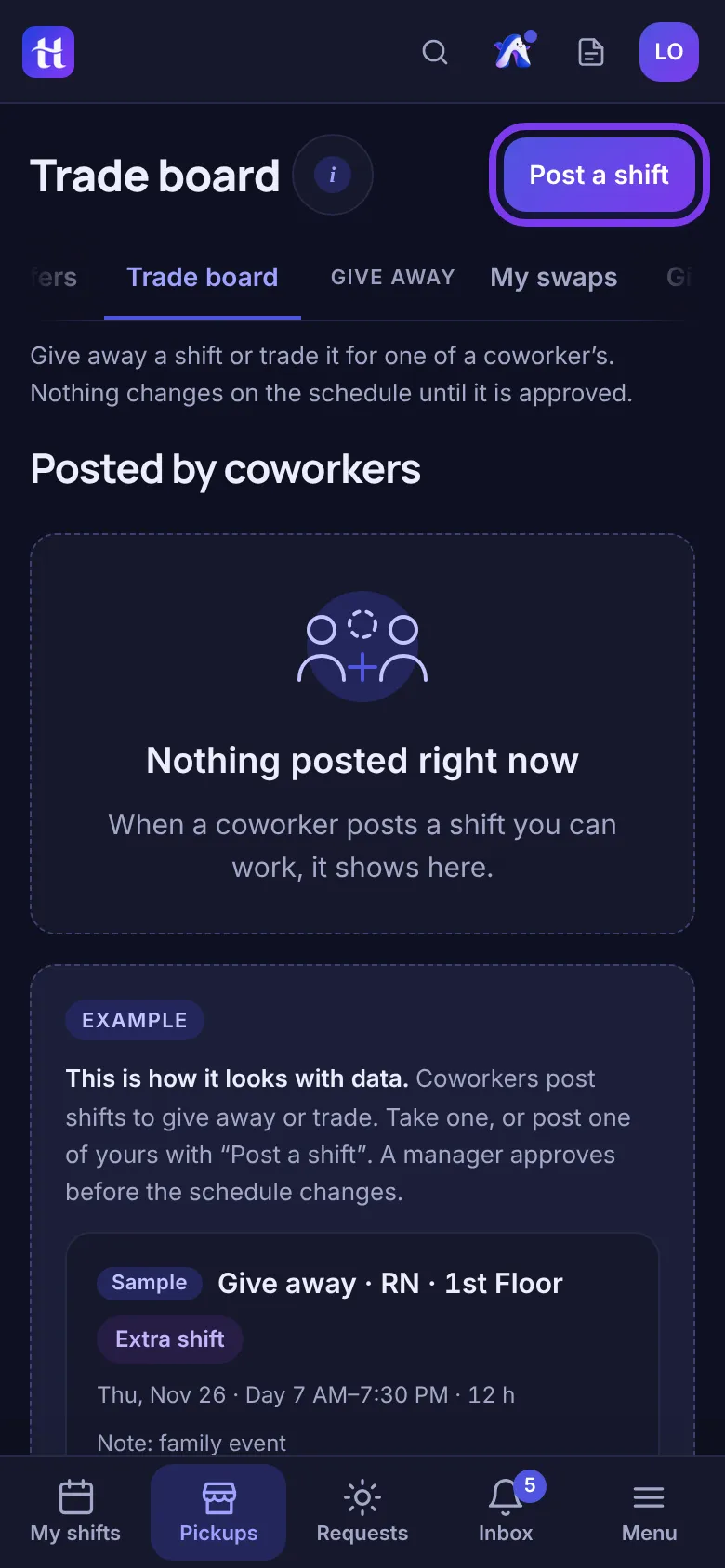
Open the Trade board
Stuck? Ask your charge nurse. In AttuneOps, Report a problem is at the bottom of every page.