See what a pickup pays
For staff · 2 minute read · Checked
My pay estimates your paycheck from your posted shifts. Add your hourly rate once and it can also show what an extra shift would add.
Your rate is private. Managers, admins and the Chief of Nursing Operations cannot see it.
Try an extra shift
- Tap Menu, then My payMenu is the last button at the bottom of your phone.
- Tap Add pay rateType your hourly rate. You only do this once.
- Scroll to What if I picked up a shift?Pick a day and Day or NOC there, then tap Try this shift.
It is an estimate
The numbers come from your posted shifts, not your punches. UKG and EcoTime stay the record for your real paycheck.
Good to knowTrying a shift changes only the answer box. Your paycheck estimate stays as it is.
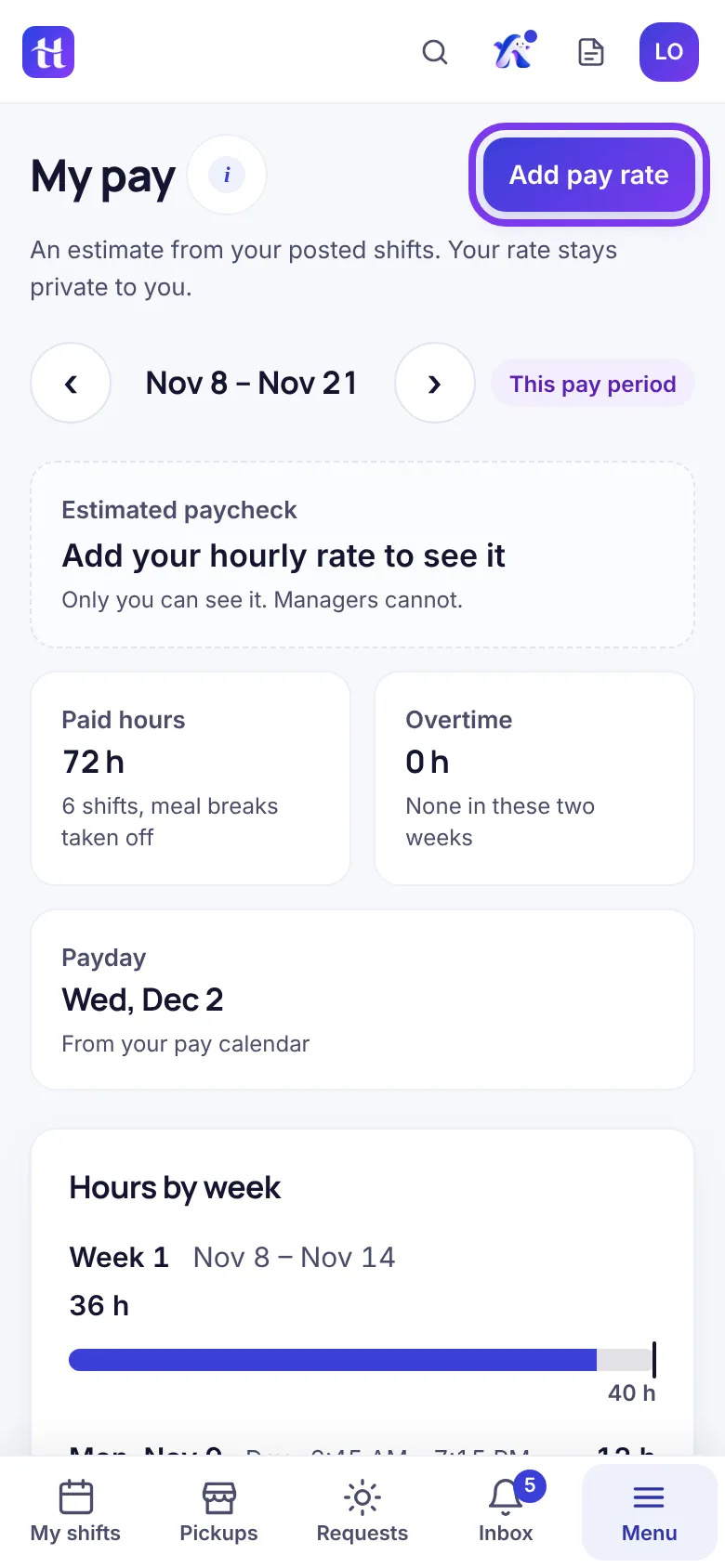
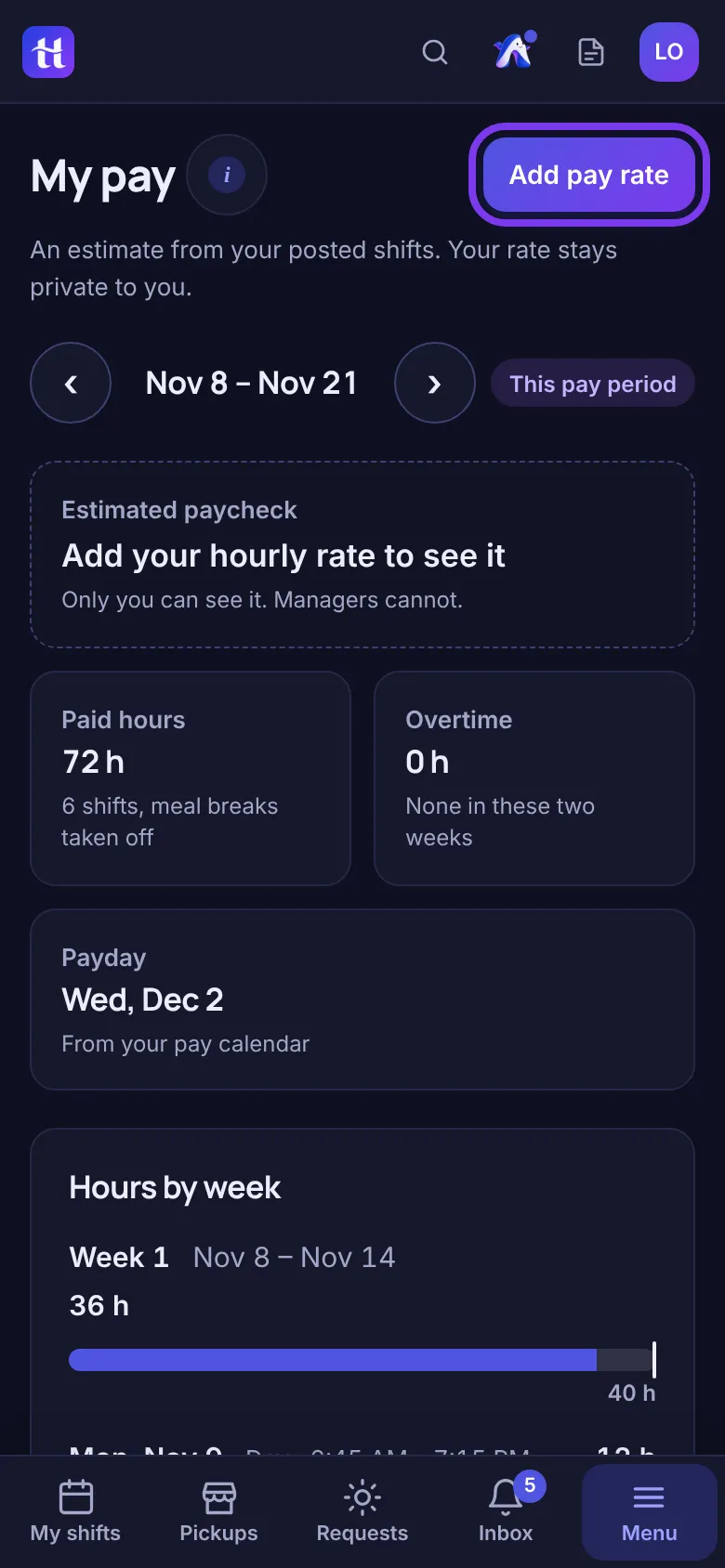
Open My pay
Stuck? Ask your charge nurse. In AttuneOps, Report a problem is at the bottom of every page.