Get alerts on your phone
For staff · 2 minute read · Checked
Open shifts go fast, and some go to the first person who asks, so it pays to hear about them early. Turn on alerts once and your phone tells you the moment something needs you.
Turn on alerts
- Add AttuneOps to your home screenOn an iPhone, tap Share, then Add to Home Screen, and open it from the new icon. On Android, tap Install.
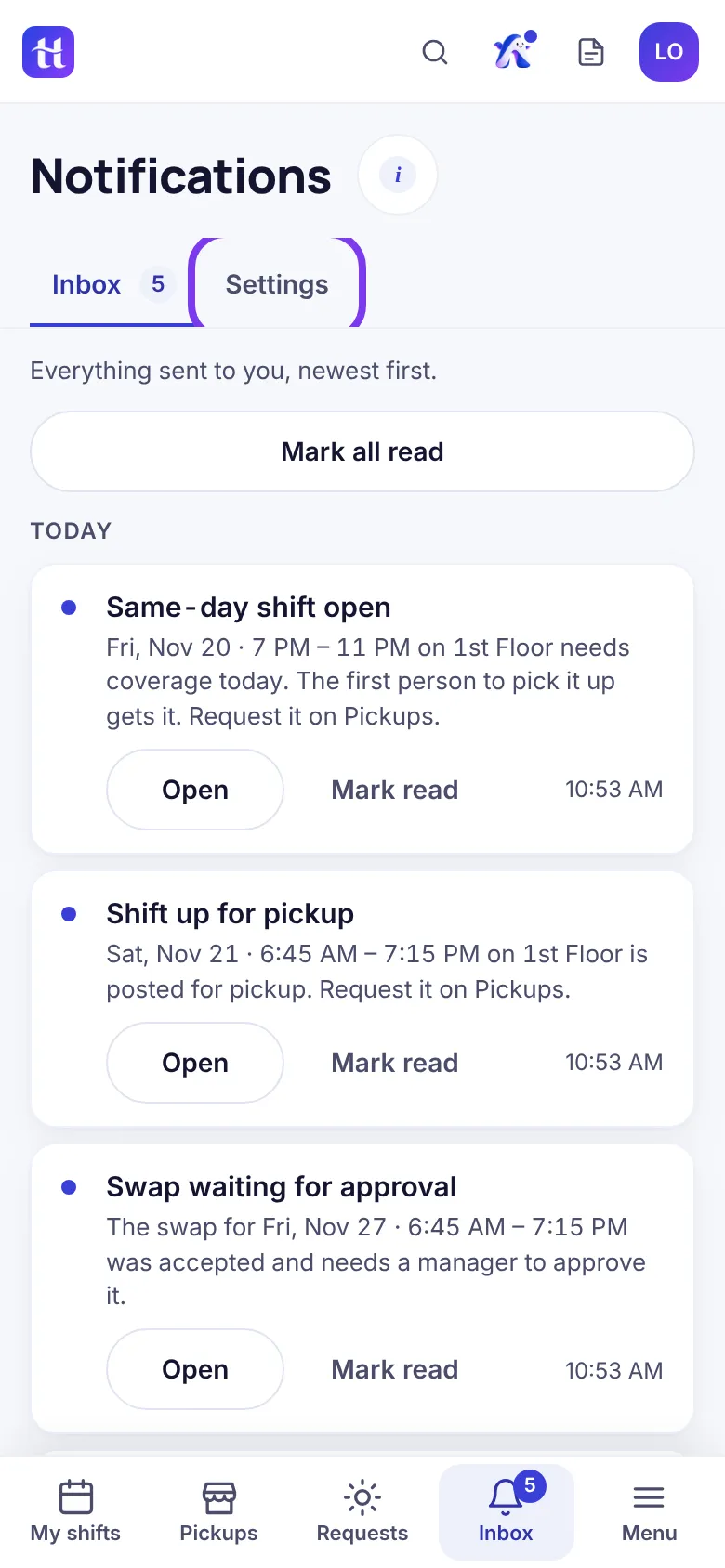
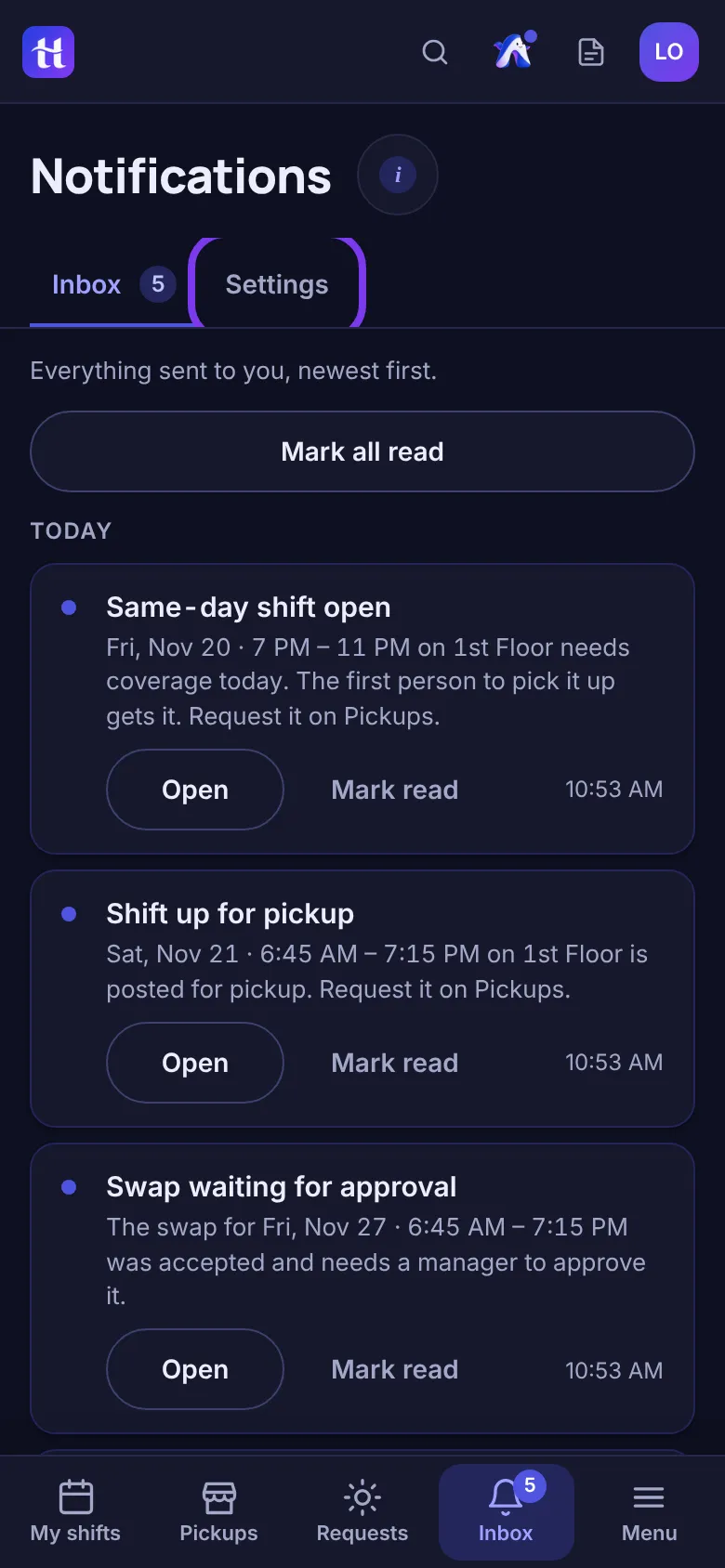
- Tap Inbox, then SettingsInbox is the fourth button at the bottom of your phone.
- Tap Turn on alertsYour phone asks once if AttuneOps may send alerts. Say yes.
Choose what reaches you
Under Settings, each kind of message can come as a phone alert, an email or a text. Turn off the ones you don't want.
Good to knowOn an iPhone, alerts only work from the home screen icon, not from Safari.
Open Notifications
Stuck? Ask your charge nurse. In AttuneOps, Report a problem is at the bottom of every page.