
Call out the right way
For staff · 2 minute read · Checked
Can't make a shift? Tell AttuneOps first, then call the charge nurse. The app tells the desk and your manager straight away, so the search for cover starts while you are still on the phone.
You still have to call. The app does not replace that conversation.
Call out
- Tap Call outIt is at the top of My shifts.
- Pick the shiftYour next posted shifts are listed. Tap the one you can't make.
- Pick a reasonYou are sick, a family member is sick, something else, or you think it is protected time.
- Tap Call out, then Yes, call outYou get one more look before it is sent.
- Call the charge nurseCall your unit and speak with the charge nurse, so it is on record. The page shows the number when one is set up.
What happens next
The charge nurse or your manager records the callout after you speak with them. It counts only once they have.
Good to knowIf you think it is protected time, like FMLA or jury duty, say so when you call.
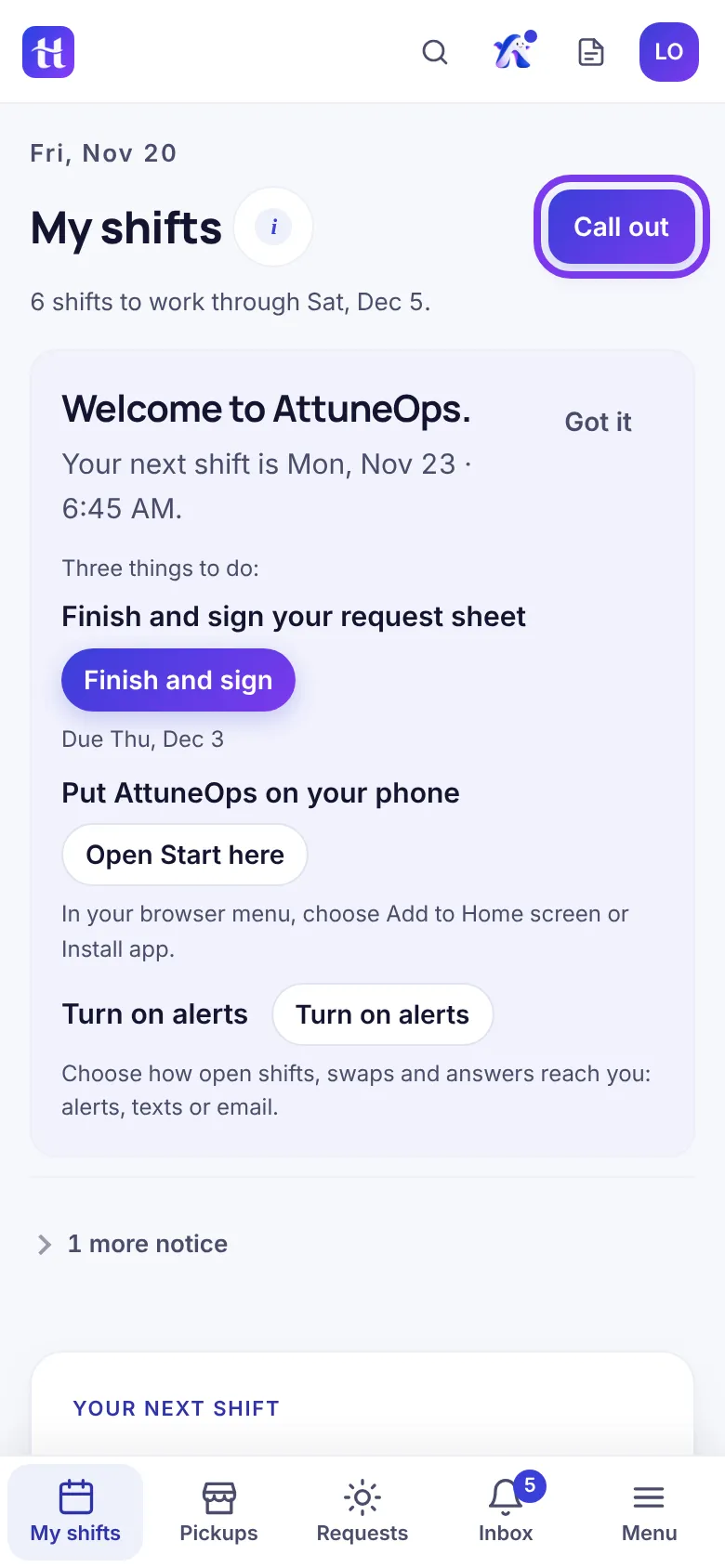
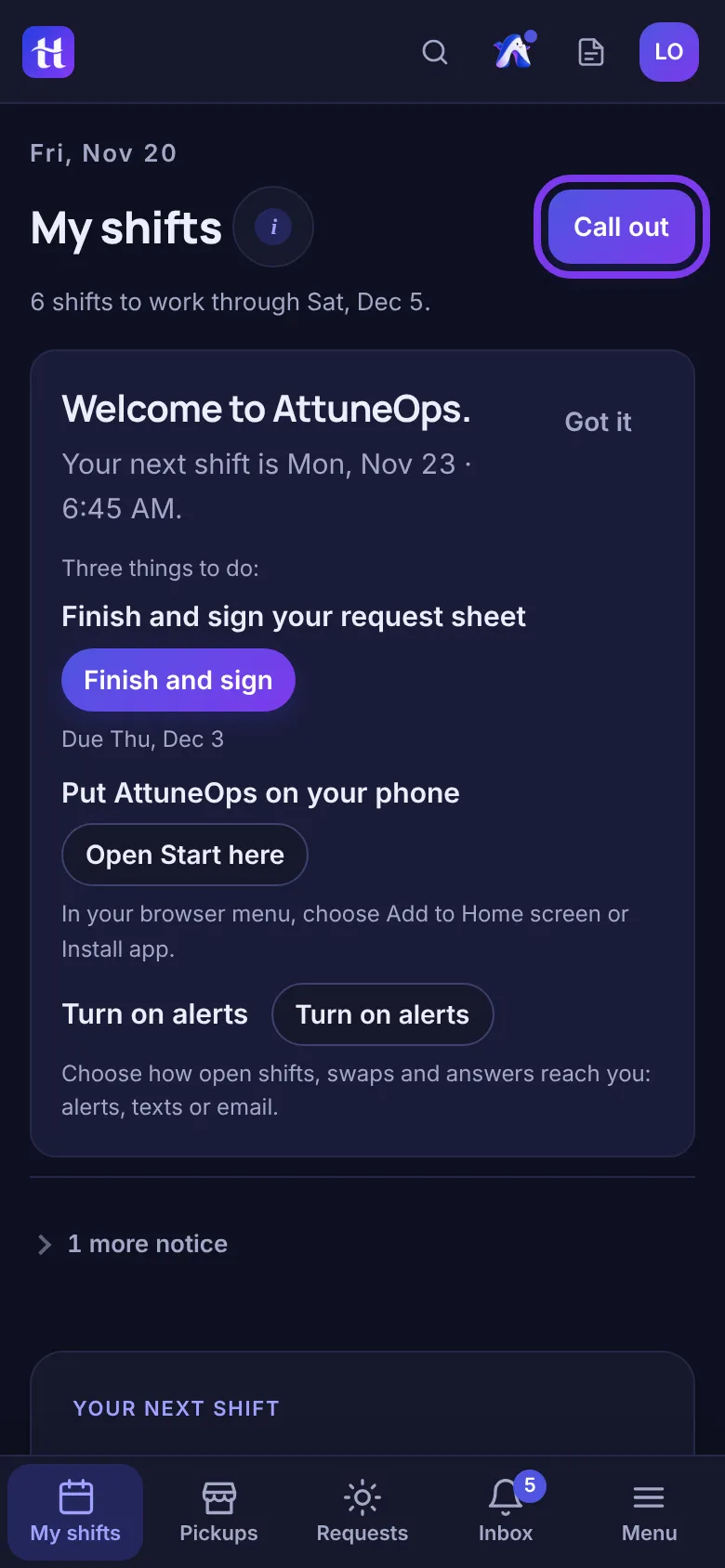
Open My shifts
Stuck? Ask your charge nurse. In AttuneOps, Report a problem is at the bottom of every page.